
Top 12 AI Interior Design Free Tools to Reimagine Your Space in 2026
- oliverjames0609
- 4 days ago
- 15 min read
Planning a room refresh or a full-scale renovation used to mean hours of guesswork, mood boards, and expensive software. Today, artificial intelligence has completely changed the game. With ai interior design free tools, you can upload a simple photo of your space and instantly generate dozens of photorealistic design concepts, from changing wall colors to virtually staging an entire empty room.
But with so many options available, which ones actually deliver on their promises without hidden costs? This guide cuts through the noise. We have tested and curated a list of the 12 best free and freemium AI design platforms, focusing on real-world usability, feature depth, and the quality of their results. These tools can help you visualize a new look for your living room just as easily as they can help stage an entire property for a real estate listing. While this guide focuses on interior spaces, the realm of complimentary AI design tools also extends to outdoor areas, where you can find a useful free AI landscape generator to plan your yard.
Whether you're a homeowner looking for inspiration or a professional needing quick visuals, these tools provide the power of a design studio right at your fingertips. We'll explore each tool's unique strengths, practical limitations, and show you exactly how to get started with direct links and screenshots.
1. Decor8 AI
Decor8 AI stands out as a powerful and comprehensive platform for anyone seeking ai interior design free tools, offering a robust suite of professional-grade features within an accessible, chat-based interface. It’s an exceptional choice for users who need more than just simple style swaps, from homeowners planning a renovation to real estate agents creating marketing materials.
The platform excels at turning a single photo of a room into a multitude of photorealistic concepts in seconds. Its iterative workflow allows you to start with one of over 50 curated styles, like Modern Farmhouse or Scandinavian, and then use natural language prompts to refine the details. You can ask the AI to "change the wall color to a light sage green" or "add a large sectional sofa," making the design process feel like a conversation.
Key Features and Use Cases
Virtual Staging & Renovation: Go beyond basic redesigns with advanced tools. The object removal feature can clear out existing clutter, while the virtual staging adds new, realistically lit furniture. You can even visualize paint from specific brands like Sherwin-Williams or Behr.
Sketch-to-Render: Architects and designers can upload a simple drawing and have Decor8 AI convert it into a polished 3D perspective or isometric rendering, saving significant time.
Developer Integration: For businesses, Decor8 AI provides an API and SDKs, plus plugins for WordPress and Wix, allowing for seamless integration of virtual staging into their own websites or apps.
This comprehensive toolkit, which also includes sky replacement and image upscaling, is synced across web, iPhone, and Android apps. While the platform operates on a subscription model after a free trial, the initial "start free" experience provides a substantial glimpse into its capabilities. For a deeper understanding of its technology, you can learn more about how Decor8 AI works on decor8.ai.
Website: https://www.decor8.ai
2. Decor8 AI
Decor8 AI stands out as a powerful, all-in-one toolkit designed not just for simple restyling but for high-fidelity visual marketing. It’s an excellent choice for real estate agents, photographers, and developers who need more than just a basic ai interior design free tool. The platform moves beyond simple furniture swaps into photorealistic virtual staging, object removal, and even sky replacement for exterior shots.
What makes Decor8 AI unique is its comprehensive feature set and developer-friendly options. Users can recolor walls and cabinets using specific paint codes from brands like Sherwin-Williams and Behr, a huge plus for planning real-world projects. Its sketch-to-3D rendering is also a notable feature for turning initial concepts into tangible visuals quickly.
The free tier is generous enough for testing, but heavy users or professionals will want to explore the paid credit packs for high-volume projects and API access.
Best For: Real estate professionals, photographers, and developers needing listing-ready images or API integration.
Pros:
Comprehensive Toolkit: Includes virtual staging, object removal, relighting, and sky replacement.
Developer-Friendly: Offers a robust API and SDKs for programmatic integration.
High-Quality Outputs: Renders are photorealistic and suitable for professional marketing.
Cons:
Credit System: Advanced features like high-resolution upscaling consume more credits.
Learning Curve: The wide array of tools may feel complex for absolute beginners.
Website: https://decor8.ai
3. REimagine Home
REimagine Home excels at providing quick, AI-driven room redesigns and virtual staging directly from an uploaded photo. It’s a fantastic tool for homeowners looking for inspiration or real estate agents who need to quickly stage a vacant property for a listing. The platform streamlines the process by guiding users through a simple workflow: upload an image, define a goal (like "fill an empty room"), and select a design style.
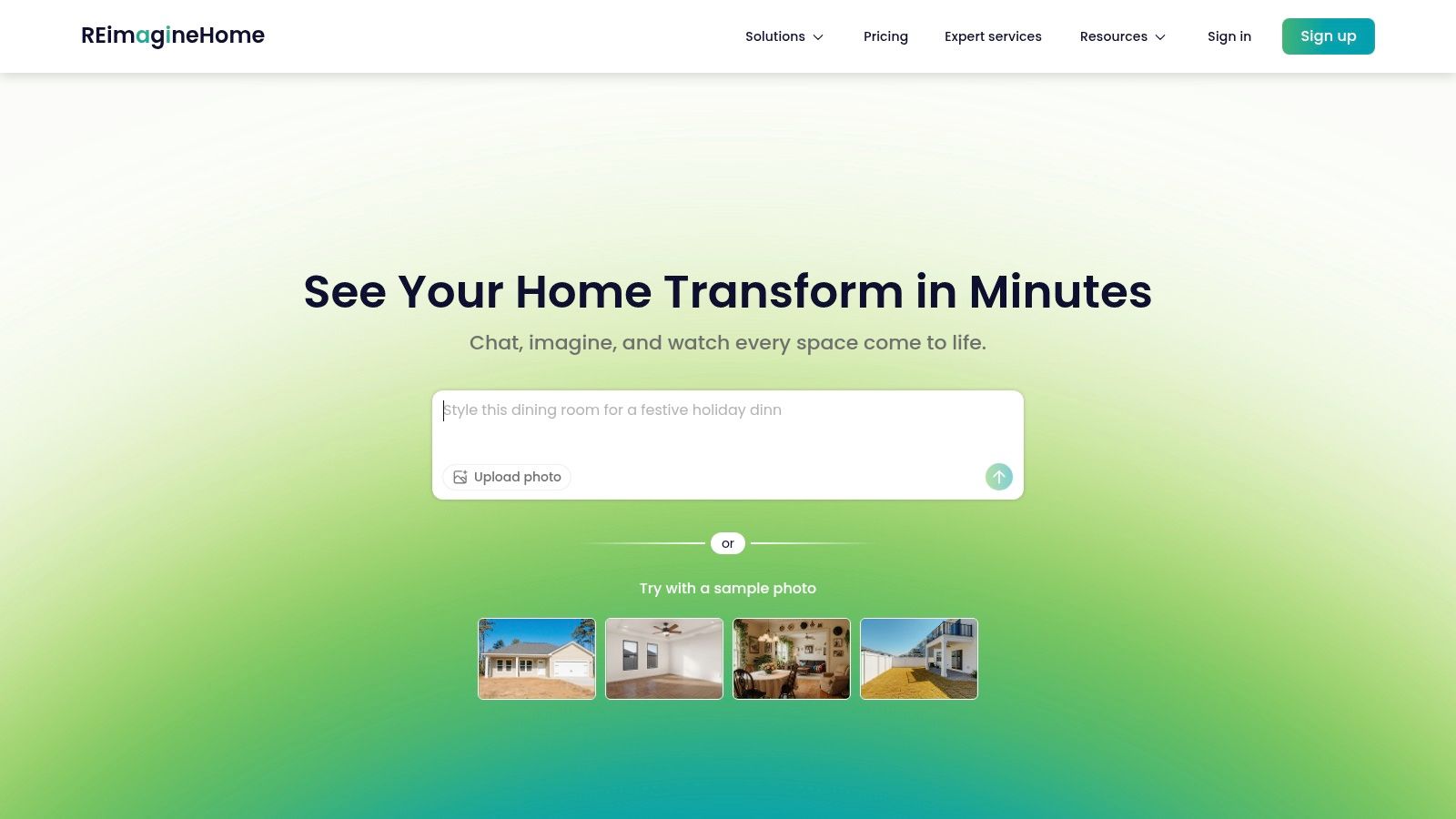
What makes REimagine Home stand out is its user-friendly, goal-oriented approach. Instead of overwhelming users with complex tools, it offers clear options like furniture removal, object replacement, and even landscape redesign for exteriors. This makes it an incredibly accessible ai interior design free tool for generating multiple design concepts in minutes without any technical expertise.
New users receive free trial credits to experiment with all the features. Once those are used, a subscription is required to continue generating new designs, making it ideal for a one-off project or for professionals who subscribe for ongoing use.
Best For: Homeowners seeking quick makeover ideas and real estate agents needing fast, simple virtual staging.
Pros:
Simple Guided Workflow: The step-by-step process is intuitive even for total beginners.
Versatile Editing: Supports interior staging, furniture swaps, and exterior landscape design.
Free Trial Credits: Allows users to test the full capabilities before committing to a plan.
Cons:
Paid After Trial: Free access is limited to the initial credits provided at sign-up.
Limited Fine-Tuning: Lacks the granular control found in professional-grade CAD software.
Website: https://reimaginehome.ai
4. Homestyler AI (homestyler.ai)
Homestyler AI offers one of the most straightforward paths from a simple room photo to a fully styled concept. Distinct from its more complex floor-planning counterpart, this platform focuses purely on AI-driven restyling. It’s an ideal ai interior design free tool for users who want quick inspiration without getting bogged down in manual design, generating multiple creative options from a single upload.
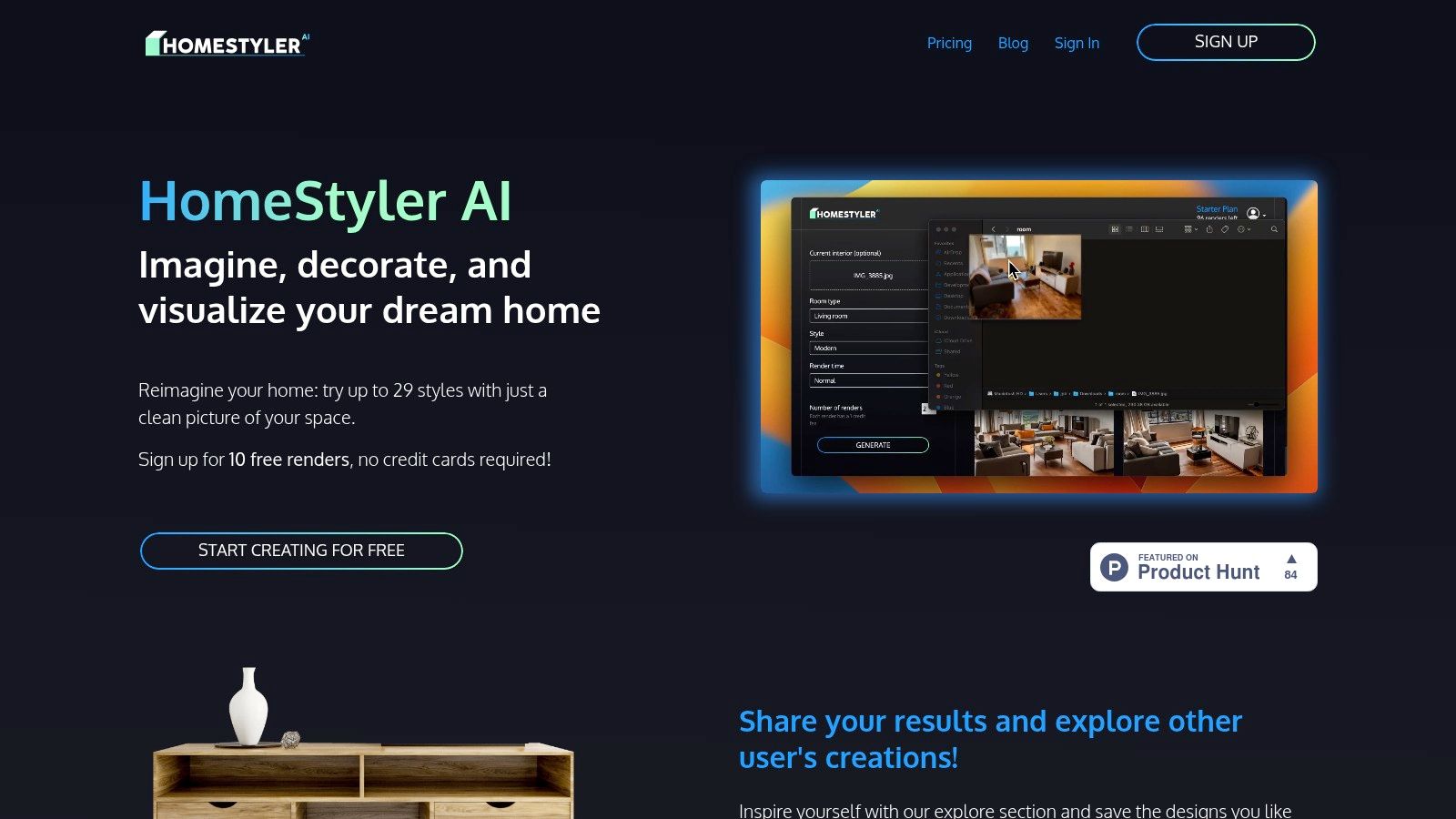
What makes Homestyler AI so accessible is its simplicity. You upload a picture, select from over 29 style presets like "Modern" or "Bohemian," and let the AI do the work. The initial 10 free renders upon sign-up provide a generous, no-risk opportunity to test the platform’s output quality. It's a great way for designers to explore different aesthetics quickly, similar to the top AI features professionals are now adopting.
For those needing more than occasional inspiration, subscriptions unlock more renders, privacy controls, and commercial usage rights, making it a viable tool for professional mood boards and client presentations.
Best For: Homeowners and DIY enthusiasts looking for quick and diverse styling ideas for an existing space.
Pros:
Extremely Simple: The upload-and-generate process is fast and intuitive for beginners.
Generous Free Trial: 10 free renders let you thoroughly evaluate the output quality.
Wide Style Variety: A large selection of presets helps generate diverse design concepts.
Cons:
Subscription for Volume: Repeated or heavy usage requires a paid monthly plan.
Restyling Focus: Lacks the detailed floor planning or 3D modeling of more comprehensive tools.
Website: https://homestyler.ai
5. Homestyler (homestyler.com)
Homestyler elevates the concept of an ai interior design free tool by combining a powerful 3D floor planner with AI-driven visualization. It moves beyond simple photo uploads, allowing users to build detailed 2D and 3D floor plans from scratch, furnish them with a massive catalog of real-world products, and then use AI features like AI Styler to generate conceptual renders instantly. This integrated ecosystem is perfect for those who need to plan a space's layout and decor from the ground up.
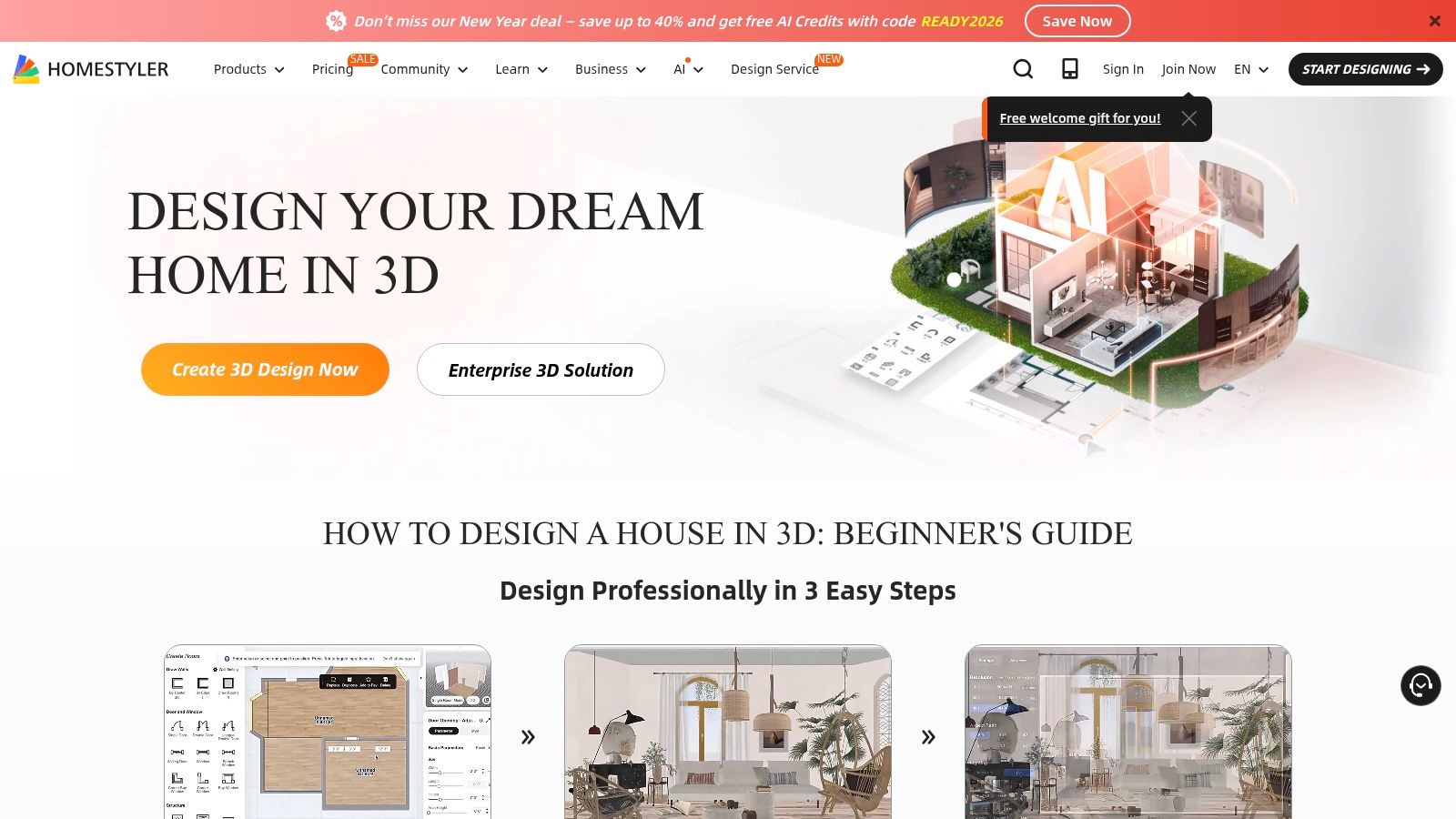
What makes Homestyler stand out is its dual capability. You can meticulously design a room's architecture, down to the exact placement of windows and doors, and then use its AI to rapidly explore different aesthetic directions. The platform also offers high-quality rendering and virtual walkthroughs, turning your static plans into immersive experiences. While it has a steeper learning curve than simple restyling apps, its depth is unmatched for comprehensive project planning.
The free plan is excellent for creating layouts and exploring basic features, but rendering and advanced AI usage operate on a credit system, requiring a paid plan for heavy use.
Best For: DIY renovators, interior design students, and professionals who need to create and visualize detailed floor plans.
Pros:
Comprehensive Planning: Full-featured 2D/3D floor planner for detailed architectural work.
Large Product Catalog: Access to a vast library of real-brand furniture and decor.
Integrated AI: AI Styler feature helps generate quick concepts from your 3D scenes.
Cons:
Steeper Learning Curve: More complex than simple photo-based AI editors.
Credit System: Rendering and advanced AI features consume credits, often requiring a paid plan.
Website: https://www.homestyler.com
6. Planner 5D
Planner 5D bridges the gap between traditional floor planning and AI-powered design automation. It’s an ideal tool for users who need to map out a space from scratch before visualizing it. The platform is built around robust 2D and 3D editors, allowing you to create precise room layouts, but its standout feature is the AI Smart Wizard, which can automatically generate room layouts and furniture arrangements for you.
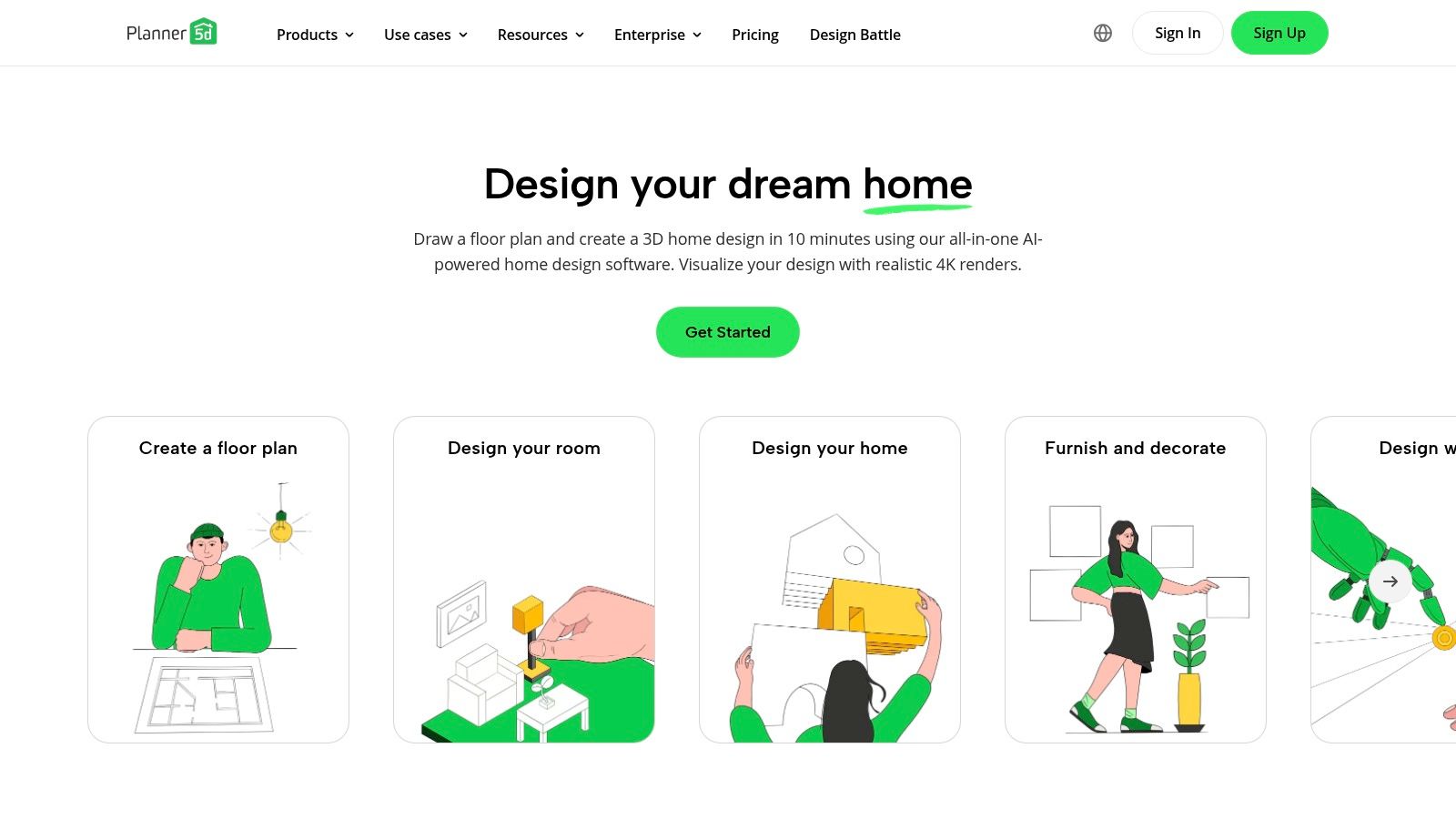
What makes Planner 5D different is its focus on structural planning first. Unlike tools that only restyle existing photos, this platform helps you build the room itself. Its multi-platform synchronization is another major benefit, allowing you to seamlessly switch between desktop and mobile devices. This makes it a great ai interior design free option for those who want to combine detailed planning with quick, AI-driven style suggestions. The free plan is perfect for basic layouts and getting a feel for the tools.
Best For: Users who need to create detailed 2D/3D floor plans before applying AI-generated design ideas.
Pros:
AI Smart Wizard: Automatically generates functional room layouts and furnishing ideas.
Full Floor-Planning Suite: Combines powerful 2D and 3D editors with AI assistance.
Large Object Library: Offers a vast catalog of furniture and decor to populate your designs.
Cons:
Premium Gating: Many of the best furniture items and features are locked behind a paywall.
Desktop-First Features: The AI Wizard and some advanced tools work best on the desktop version.
Website: https://planner5d.com
7. IKEA Kreativ (IKEA planners)
IKEA Kreativ is the furniture giant's practical and highly accessible answer to AI-assisted room planning. Unlike other general-purpose tools, this platform is specifically designed to help you visualize and plan your space using real, buyable IKEA products. It integrates a powerful ai interior design free experience with an e-commerce backend, allowing you to go from concept to checkout within a single ecosystem.
What makes IKEA Kreativ unique is its seamless blend of AI and practicality. The mobile app can scan your room (using LiDAR on supported iPhones for high accuracy) and create a digital twin, or you can build it manually. From there, you can place dimensionally-accurate IKEA furniture, with an AI rules engine suggesting sensible placements. This approach makes it less of a restyler and more of a practical AI-powered room planner, perfect for anyone committed to an IKEA-centric design.
The entire tool is free to use, making it an invaluable resource for budget-conscious decorators who want to plan with precision before they buy.
Best For: Homeowners and renters planning to furnish their space primarily with IKEA products.
Pros:
Directly Shoppable: Designs are tied to real IKEA products you can add to your cart.
Dimensionally Accurate: Great for ensuring furniture will fit perfectly in your space.
Completely Free: No hidden costs or credit systems for using the planner.
Cons:
IKEA-Exclusive: Limited to the IKEA catalog, so not suitable for general restyling.
Feature Discrepancies: Best features, like LiDAR scanning, are device-dependent.
Website: https://www.ikea.com/us/en/planners/
8. Fotor
Fotor is a well-known, general-purpose image editor that has expanded its toolkit to include impressive AI-driven design features. It serves as an accessible entry point for those wanting to experiment with an ai interior design free tool without committing to a specialized platform. Users can easily upload a photo of their room and restyle it using various presets or custom text prompts, making it great for quick mood board experiments and exploring different aesthetics.
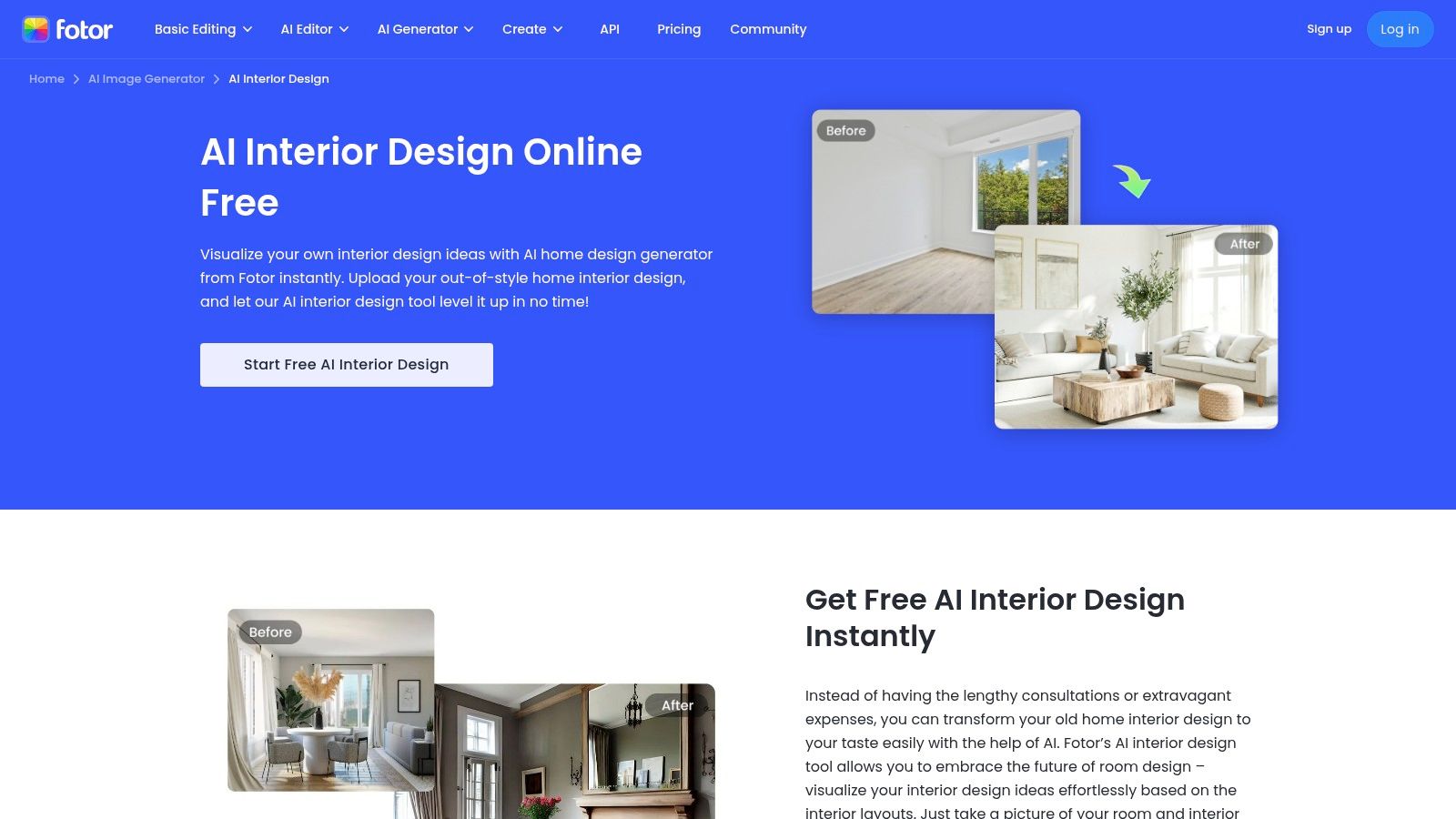
What makes Fotor unique is its combination of from-photo restyling and a conceptual "AI Floor Plan" generator. This text-to-image feature allows you to generate visual floor plan concepts from a simple description, offering a novel way to brainstorm layouts before diving into detailed planning. The platform is available on both web and mobile, and its low-friction onboarding gets you designing in seconds.
The free tier provides a good taste of its capabilities, while the paid plans unlock higher-quality outputs and remove watermarks.
Best For: Beginners, hobbyists, and anyone looking for a quick, multipurpose tool for fast ideation and mood experiments.
Pros:
Very Easy to Use: The interface is intuitive, making it one of the fastest tools to start using.
Dual Functionality: Combines from-image interior restyling with a unique text-to-floor-plan generator.
Multi-Platform: Accessible via web browser and dedicated mobile apps for designing on the go.
Cons:
Conceptual Plans: The AI-generated floor plans are for inspiration only and not suitable for construction.
Limited Free Tier: Output quality, resolution, and advanced settings are restricted on the free plan.
9. ZMO.ai (Room Planner)
ZMO.ai's Room Planner offers a straightforward and accessible approach to AI-powered redesign, making it a great entry point for anyone curious about virtual redecorating. The platform operates on a simple three-step process: upload a photo of your room, select a preset style or enter a custom text prompt, and generate a new look. It's an effective ai interior design free tool for quick brainstorming and visualizing different aesthetics without any technical hurdles.
What makes ZMO.ai particularly appealing is its generous daily credit system. Users receive 10 free credits every day, encouraging continuous experimentation and allowing you to explore a wide range of design ideas over time without a paid subscription. This model is perfect for homeowners who are in the early stages of planning a makeover and want to try out multiple concepts before committing.
While the free version is great for exploration, upgrading to a Pro plan is necessary for downloading high-resolution, watermark-free images suitable for professional or client-facing work.
Best For: Homeowners and DIY enthusiasts looking for daily inspiration and a simple way to visualize new room styles.
Pros:
Generous Free Tier: Provides 10 free credits daily, allowing for ongoing use without payment.
Simple Workflow: The upload, select, and generate process is intuitive and fast for all user levels.
Flexible Input: Supports both predefined style templates and custom text prompts for creative control.
Cons:
Output Limitations: Free generations likely include watermarks and have resolution restrictions.
Lacks Precision Tools: Not designed for detailed architectural planning or precise measurements like professional CAD software.
Website: https://www.zmo.ai/room-planner/
10. HomeDesignsAI
HomeDesignsAI is built for users who love to experiment with numerous design ideas over time without an immediate commitment. Its standout feature is a system of free daily credits that refresh every 24 hours, making it an excellent platform for casual users or homeowners in the early brainstorming phases of a project. This approach allows you to explore a vast library of styles for both interior and exterior spaces at your own pace.
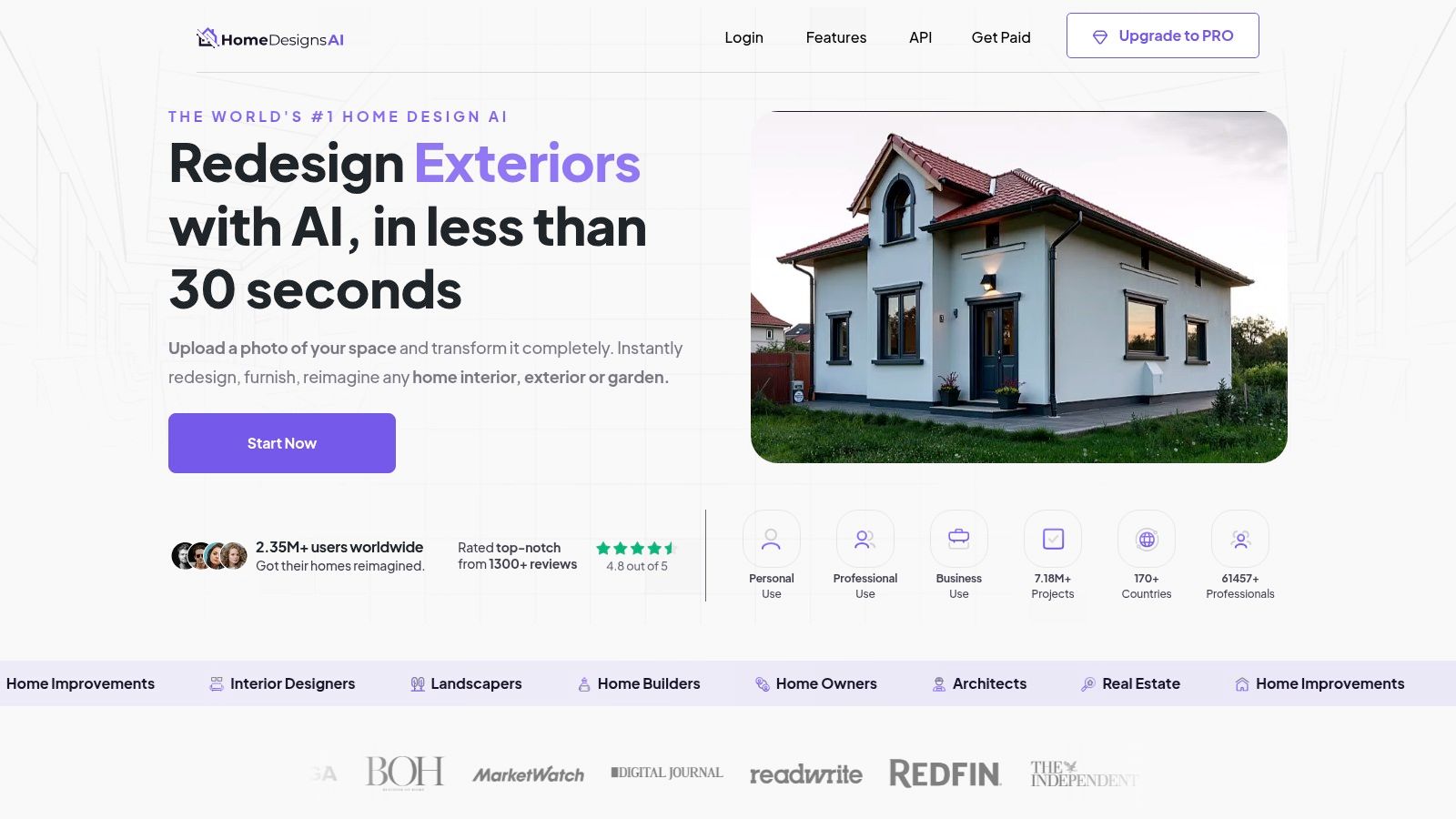
The platform offers multiple redesign modes like "Beautiful," "Creative," and "Perfect," giving you control over how closely the AI adheres to your original image. While it provides a solid ai interior design free experience, many of its most advanced features and specific premium styles are locked behind a subscription. It’s a great starting point for inspiration, but professionals may find the paid tiers necessary for more complex virtual staging or material swaps. You can learn more about how these platforms fit into a complete guide to AI-powered home design.
Best For: Homeowners and DIY enthusiasts who want to test many different styles over several days without paying upfront.
Pros:
Daily Free Credits: Encourages continuous experimentation and discovery of new styles.
Vast Style Library: Claims over 200 styles and 120 space types for broad inspiration.
Exterior and Interior Options: Capable of redesigning both inside and outside spaces.
Cons:
Gated Pro Features: Many advanced tools and premium styles require a subscription.
Credit Limitations: The free daily credits may not be sufficient for large, single-session projects.
Website: https://homedesigns.ai
11. HomeVisualizer.ai
HomeVisualizer.ai is an accessible tool designed specifically for homeowners and designers looking to experiment with new room aesthetics. It streamlines the process of restyling by letting users upload a photo and almost instantly apply new colors, layouts, and decor. This makes it an ideal platform for quickly testing ideas before committing to real-world changes like painting or rearranging furniture. It’s a great example of a focused ai interior design free tool.
The platform stands out by centering its workflows on specific rooms like bedrooms, living rooms, and offices, guiding the user toward relevant styles. Its “try for free” model allows anyone to generate a few designs to evaluate the output quality before considering any payment. This direct, no-fuss approach helps you quickly see if the AI can capture your intended vision.
Best For: Homeowners and DIY decorators who need quick, visual feedback on different style combinations for a specific room.
Pros:
Simple Workflow: The photo upload and redesign process is straightforward and fast.
Focused Use Cases: Excellent for experimenting with paint colors, furniture placement, and decor styles.
Accessible Free Trial: Lets you test the platform’s capabilities and see results before committing.
Cons:
Opaque Pricing: Full pricing details are not available upfront, requiring users to engage first.
Limited Scope: Primarily focused on photo transformations, not detailed structural or architectural planning.
12. Decoratly
Decoratly positions itself as a fast and user-friendly RoomGPT alternative, focusing on rapid photo-to-style transformations and high-resolution outputs. It’s a great ai interior design free option for users who prioritize speed and want crisp, clear images for their vision boards or client presentations. The platform streamlines the process of uploading a room photo, selecting a style, and generating a new design in seconds.
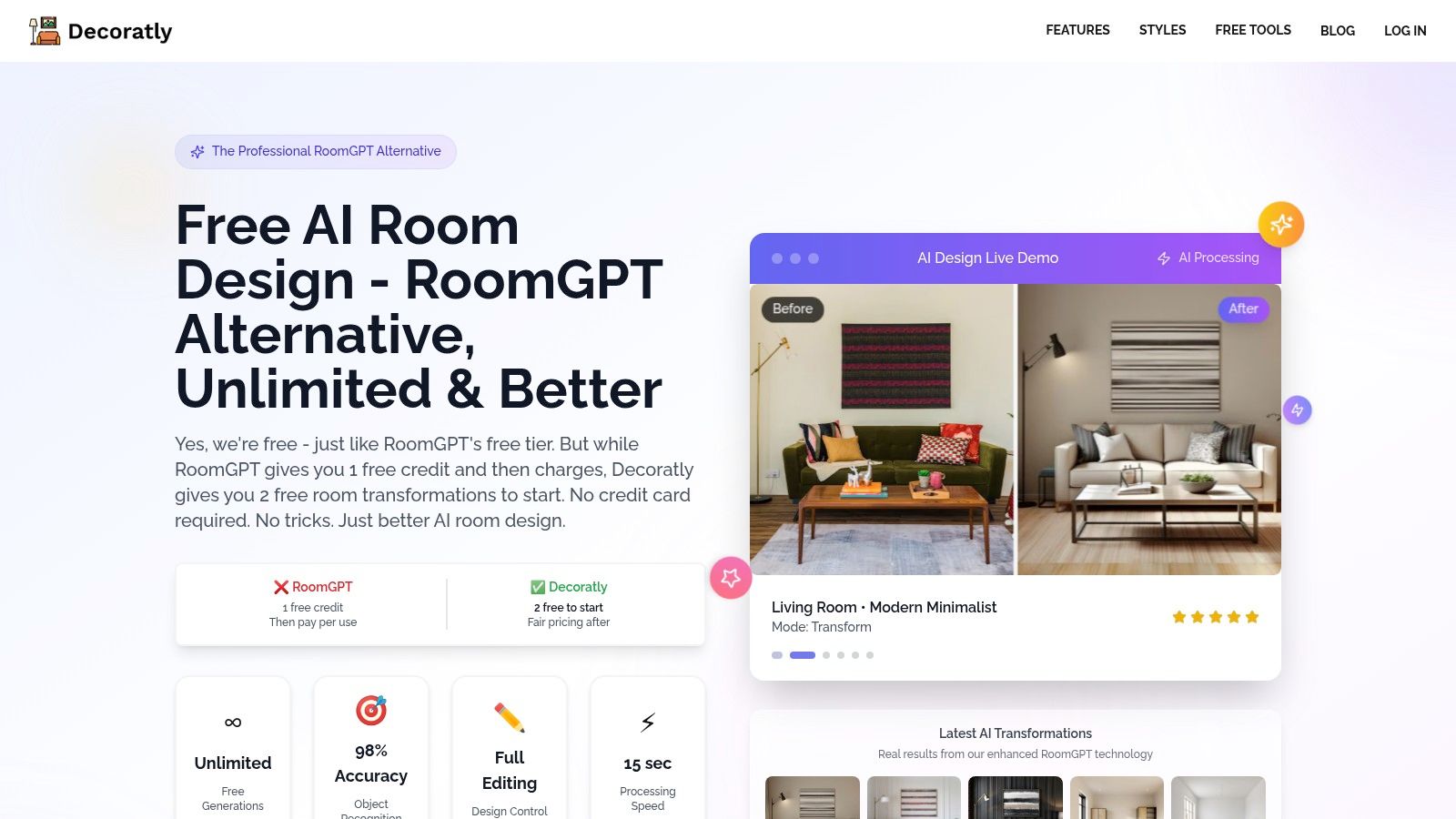
What makes Decoratly stand out is its emphasis on post-generation controls. Unlike some tools that give you a final image with no recourse, Decoratly allows for editing and upscaling, with options to export in 4K. Its claims of fast render times (around 15 seconds) make it ideal for quick brainstorming and iterating on different styles without long waits.
The free starter transformations are perfect for testing the tool's capabilities. However, users planning larger projects or needing consistent high-resolution exports should review the paid plans, as "unlimited" features can vary.
Best For: DIY designers and homeowners who need fast, high-quality visualizations and want control over final image resolution.
Pros:
Speed: Claims of very fast render times allow for rapid experimentation.
High-Resolution Output: Offers 4K export options for detailed, professional-looking images.
Free Trial: Provides free starter transformations to let users try the service easily.
Cons:
Newer Platform: As a more recent entrant, it has less of a track record than established competitors.
Plan Limitations: The specifics of feature limits on different paid tiers require careful review.
Website: https://www.decoratly.com/roomgpt
12 Free AI Interior Design Tools: Feature Comparison
Product | Core features | Quality (★) | Unique selling points (✨/🏆) | Target audience (👥) | Pricing / Value (💰) |
|---|---|---|---|---|---|
Decor8 AI 🏆 | Photorealistic restyles, paint/cabinet recolor (BM/SW/Behr/HEX), object removal, staging, sky/twilight, sketch→3D, API/SDKs | ★★★★★ | ✨ All‑in‑one toolkit + cloud sync; 🏆 Developer API & plugins | 👥 Homeowners, agents, designers, photographers, builders, platforms | 💰 Start free → subscription; enterprise/API pricing on request |
REimagine Home | Photo upload → guided restyle, furniture removal, virtual staging, outdoor concepts | ★★★★☆ | ✨ Simple guided flow for fast listing edits | 👥 Agents, sellers, quick-edit users | 💰 Free trial credits → paid plans |
Homestyler AI (homestyler.ai) | Multi-style renders from photo, 29+ presets, style transfer, 10 free renders | ★★★★☆ | ✨ Community gallery + free starter credits | 👥 Casual users, hobby designers | 💰 Free starter → subscription for more |
Homestyler (homestyler.com) | 3D/2D floor planner, large product catalogs, AI Styler, walkthroughs | ★★★★☆ | ✨ Robust planning + brand catalog visualization | 👥 Architects, designers, serious planners | 💰 Freemium; credits/paid tiers for renders |
Planner 5D | AI Smart Wizard layout, 2D/3D editors, large object library, multi‑platform sync | ★★★★☆ | ✨ Layout generation + cross‑platform editors | 👥 Layout-focused users, DIY planners | 💰 Free basic → premium for catalogs/features |
IKEA Kreativ (IKEA planners) | Room scanning (LiDAR), scale-accurate IKEA product placement, AI rules engine | ★★★★☆ | ✨ Direct shopping integration with IKEA | 👥 IKEA shoppers, space planners | 💰 Free (catalog/feature limits vary by country) |
Fotor | From-photo restyling & inpainting, AI floor-plan generator, web/mobile apps | ★★★☆☆ | ✨ Fast onboarding; combines mood edits + conceptual floor plans | 👥 General users, quick ideation | 💰 Free tier (limits); paid for higher quality |
ZMO.ai (Room Planner) | Photo-based planner, style library, prompt input, post-editing, daily free credits | ★★★☆☆ | ✨ Generous daily free credits for testing looks | 👥 Experimenters, casual users | 💰 Free credits/day; Pro for higher-res & no limits |
HomeDesignsAI | Daily free credits, 200+ styles, virtual staging, interior/exterior modes | ★★★☆☆ | ✨ Large claimed style library + daily refresh | 👥 Style testers, frequent experimenters | 💰 Free daily credits; pro upgrades for full features |
HomeVisualizer.ai | Photo uploads to change colors, layouts, decor; try-for-free entry | ★★★☆☆ | ✨ Focused workflows (bedroom, living room, office) | 👥 Homeowners, entry-level designers | 💰 Try free → tiered pricing (details on site) |
Decoratly | Style presets & custom builder, post-editing, fast renders, 4K upscaling | ★★★★☆ | ✨ Emphasis on speed + high-res (4K) exports | 👥 Users needing fast high-res visuals | 💰 Free starter transforms; paid plans for unlimited/4K |
From Vision to Reality: Your Next Step in AI-Powered Design
The world of ai interior design free tools has fundamentally changed how we approach home makeovers. We've explored a dozen powerful platforms, each offering a unique way to bridge the gap between imagination and a tangible plan. From the comprehensive restyling and virtual staging capabilities of Decor8 AI to the user-friendly room planning of Planner 5D and the brand-specific ecosystem of IKEA Kreativ, the power to visualize change is now right at your fingertips.
The most significant takeaway is that design is no longer a guessing game. These free tools remove the uncertainty and financial risk associated with making design decisions, whether you're a homeowner testing a bold paint color, a real estate agent staging a vacant property, or an architect needing a quick render. You can see how that mid-century modern sofa actually looks in your living room before you even think about buying it.
Choosing Your Starting Point
So, where do you go from here? The best approach is to match the tool to your specific task.
For Quick, Inspiration-Driven Ideas: If you just want to see your room in a different style without much fuss, tools like REimagine Home or Fotor are excellent starting points. They require minimal input and deliver a wide range of aesthetic concepts almost instantly.
For Detailed Planning and Layouts: When you need to get into the specifics of furniture placement and room dimensions, platforms like Homestyler (the full version) and Planner 5D provide the floor planning and 3D modeling capabilities you need.
For Professional-Grade Staging and Restyling: For those who need high-quality, realistic results for marketing materials or client presentations, the free tiers of more advanced tools like Decor8 AI and HomeDesignsAI offer a perfect entry point into professional features.
From Digital Mockup to Physical Reality
Once you've settled on a design you love, the journey shifts from the virtual to the physical. This is where you begin sourcing materials, furniture, and contractors to bring your AI-generated vision to life. For major projects like a kitchen remodel, this step is crucial. As you move from virtual design to real-world implementation, practical considerations like sourcing quality materials become important. For those in the Toronto area, this might involve exploring kitchen cabinet options to find the right style, materials, and suppliers that fit your new design and budget.
Ultimately, these free AI interior design platforms serve as your personal design assistant. They provide the confidence to experiment, the clarity to make informed choices, and the inspiration to create a space that truly feels like your own. Your perfect room is no longer just a dream; it's a project waiting to begin.
Ready to transform your own space? Start with the tool that offers professional-grade results with an easy-to-use interface. Try the free tier of Decor8 AI today to restyle, remodel, and virtually stage your room with photorealistic quality. Get started now and see your vision come to life at Decor8 AI.
Comments