
The Top 12 Tools for AI Room Design Free in 2026
- oliverjames0609
- 5 days ago
- 14 min read
Ever felt stuck staring at an empty room, unsure where to begin? Or maybe you have a clear vision but struggle to visualize how your ideas will look in reality. The days of guesswork and expensive design consultations are fading, thanks to a new wave of powerful and accessible tools. This guide is your definitive resource for the best ai room design free platforms available today, helping you transform your space with just a few clicks.
We’ve cut through the noise to bring you a curated list of top-tier websites and apps that let you redesign, redecorate, and reimagine your home for free. For each tool, we provide a hands-on review, breaking down exactly what it does, who it’s for, and its unique pros and cons. You’ll find direct links and screenshots to help you get started immediately, whether you're a homeowner planning a DIY project, a real estate agent staging a property, or simply curious about AI's creative potential. These tools are blurring the lines between digital concepts and physical spaces. To truly grasp their transformative power, it's worth exploring the broader discussion around AI vs. real photography and its implications for visual authenticity.
Our goal is simple: to help you find the perfect free AI room designer for your specific needs, so you can stop wondering and start creating. Let’s dive in and unlock your home’s true potential.
1. Decor8 AI
Decor8 AI establishes itself as a powerful, all-in-one platform for generating professional-grade room redesigns. Its primary strength lies in delivering exceptionally photorealistic results with remarkable speed, making it an excellent ai room design free tool for users who need high-quality visuals without a steep learning curve. The platform transforms a single room photo into a fully redesigned space in seconds, accessible from any device.
What sets Decor8 AI apart is its comprehensive and practical toolkit built for real-world applications. Beyond basic style application, it offers virtual staging, precise paint previews using real-world brands like Sherwin-Williams and Benjamin Moore, and even sketch-to-3D rendering. This makes it uniquely versatile for a wide range of users, from homeowners planning a renovation to real estate agents creating listing-ready marketing materials. The cloud-synced, cross-platform accessibility ensures a seamless workflow from your phone to your desktop.
Key Features & Use Cases
Virtual Staging & Realism: Effortlessly remove existing furniture and replace skies to create compelling property listings.
Integrated Paint Previews: Test exact paint colors from major brands or any HEX code directly on your walls.
Developer-Friendly API: Businesses can integrate its powerful virtual staging features into their own apps and websites.
Our Take
Decor8 AI is a standout choice for its professional-grade output and an extensive feature set that consolidates multiple design tools into one cohesive platform. While you must sign up for a free trial to explore its full capabilities and pricing, the initial results and workflow efficiency are highly impressive.
Best for: Real estate professionals, developers, and serious DIY designers seeking a robust, fast, and highly realistic design solution.
Website: https://www.decor8.ai
2. Decor8 AI
Decor8 AI stands out as an all-in-one toolkit designed for both DIY enthusiasts and real estate professionals. It goes beyond simple redesigns, offering a suite of powerful tools that cover nearly every aspect of digital property enhancement. You can upload a photo of your room and completely redesign it in over 50 styles, virtually stage an empty space, or even remove existing furniture to start fresh.
What makes this platform unique is its professional-grade feature set, including a paint visualizer with real colors from major brands like Sherwin-Williams and Benjamin Moore, and even a sky replacement tool for exterior shots. Its sketch-to-3D rendering feature is a fantastic bonus for visualizing layouts from a simple drawing. This makes it a great ai room design free tool to start with, especially for users who might need more advanced features later.
Best For: Real estate agents, photographers, and serious DIYers needing a comprehensive suite of tools from virtual staging to color visualization.
Pros:
Broadest DIY toolkit in one platform (redesign, staging, declutter, paint, sky replacement).
High-resolution outputs up to 6K, perfect for professional listings.
Offers mobile apps (iOS/Android) and a web platform that sync.
Cons:
The free trial is credit-based; ongoing use requires purchasing credits.
The extensive features can have a slight learning curve for absolute beginners.
Website: https://www.decor8.ai/
3. IKEA Kreativ (IKEA)
IKEA Kreativ leverages AI to offer a seamless experience for anyone looking to furnish their home with IKEA products. Integrated directly into the IKEA app and website, this tool allows you to scan your room, erase existing furniture with a tap, and then place true-to-scale 3D models of IKEA items into your space. It's a practical and accessible way to visualize exactly how a new sofa or bookshelf will fit and look before you buy.
The platform also includes over 50 interactive 3D showrooms that you can explore and remix for inspiration. What makes this a standout ai room design free tool is its direct connection to a retail catalog, bridging the gap between digital design and real-world shopping. If you're unsure of your design direction, you can always take an interior design style finder quiz to get some ideas before you start placing products.
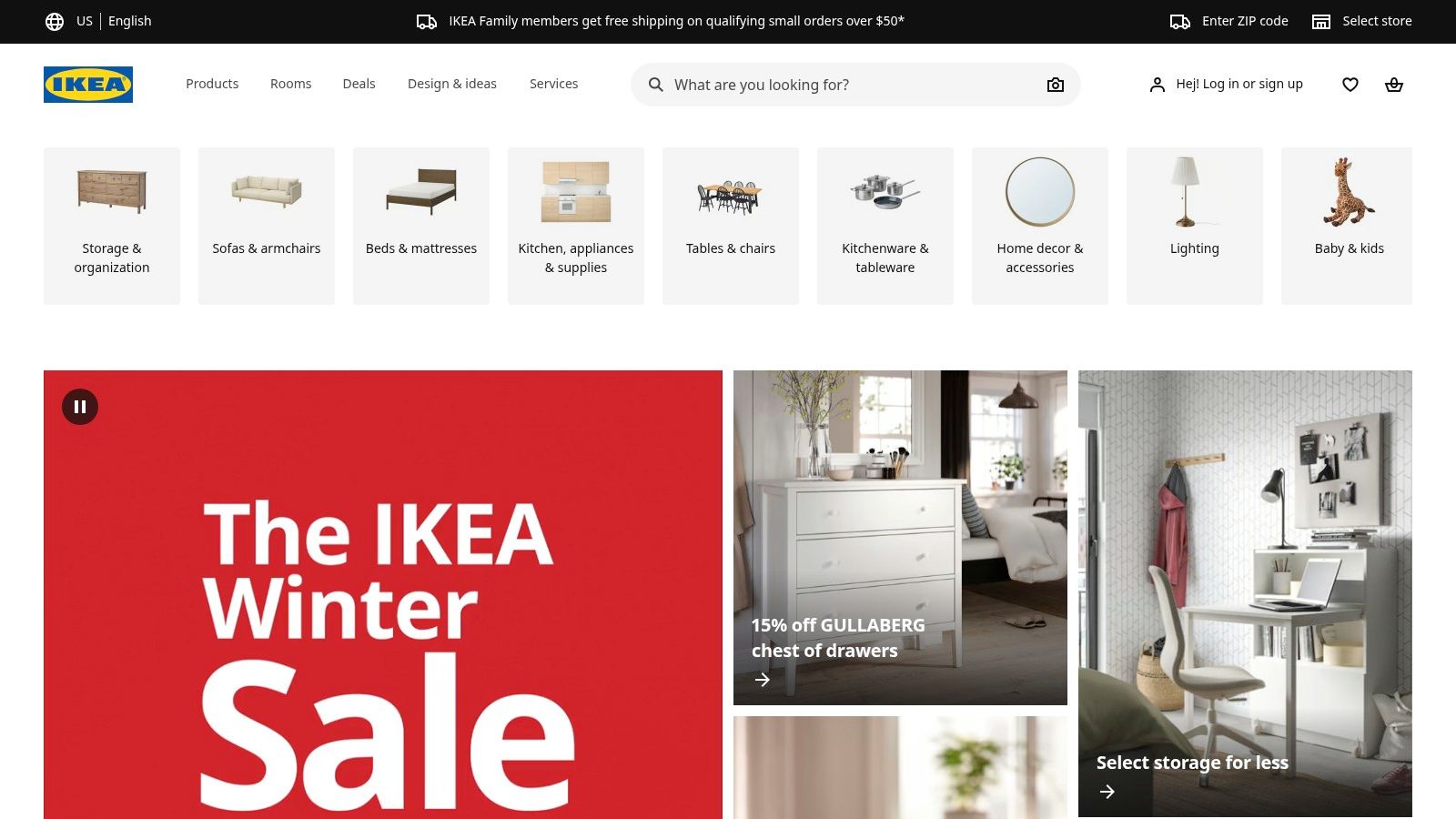
Best For: Shoppers committed to the IKEA ecosystem who want to accurately visualize how specific products will look and fit in their actual rooms.
Pros:
Completely free and tied to a major, accessible furniture catalog.
Realistic spatial placement helps avoid measurement mistakes.
Excellent for generating inspiration with interactive showrooms.
Cons:
The room scanning feature works best on newer iOS devices with LiDAR.
Limited to IKEA's product catalog only, which restricts creative options.
App and web sync can occasionally be inconsistent.
4. Planner 5D
Planner 5D is a well-established and consumer-friendly platform that blends traditional 2D/3D floor planning with AI-powered design generation. Users can start by building a detailed floor plan from scratch or upload a photo of their room to let the AI Design Generator create new concepts. Its strength lies in its comprehensive editor, which allows for detailed manual adjustments after the initial AI generation.
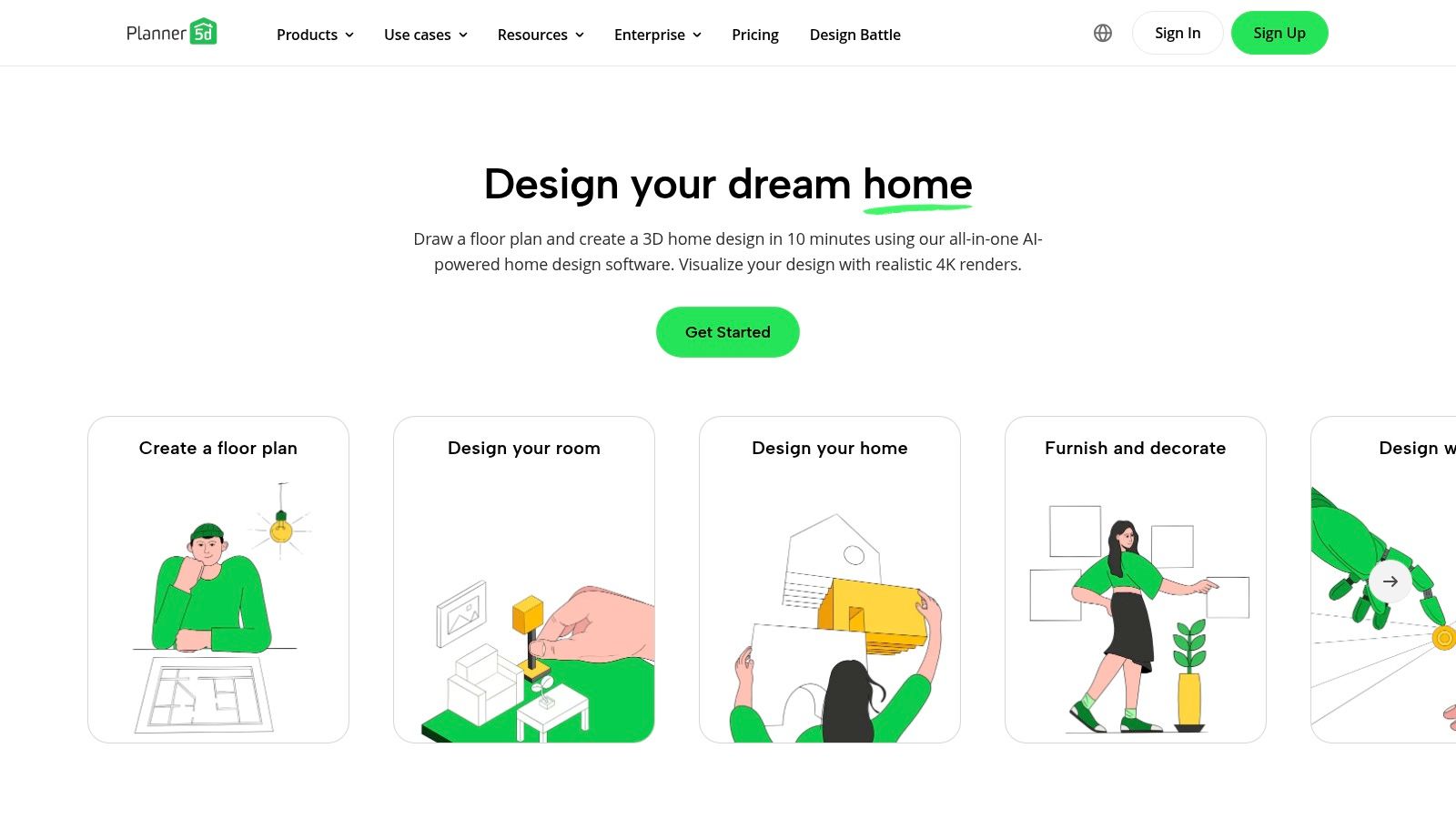
What makes Planner 5D unique is its robust cross-device functionality and support for creative inputs like the Apple Pencil, offering a hands-on approach to digital design. The platform’s community features and extensive template library provide ample inspiration. For those seeking a powerful ai room design free tool to handle both AI suggestions and manual floor plan creation, Planner 5D offers an excellent starting point. You can learn more about AI-powered design toolsdesign-your-room-with-its-photo) and how they compare.
Best For: DIY home planners, students, and users who want to combine AI-generated ideas with detailed manual 2D/3D floor plan editing.
Pros:
Strong combination of AI design generation and a full-featured 2D/3D editor.
Established platform with a large user community and library of templates.
The free tier allows unlimited projects, making it great for initial planning.
Cons:
Access to the full item catalog (8,400+ items) and advanced AI features requires a subscription.
The mobile interface can feel complex for precise, detailed adjustments.
Website: https://planner5d.com/
5. Homestyler
Homestyler positions itself as a powerful, browser-based 3D floor planner and design platform that brings professional-grade tools to a wider audience. It excels at creating detailed layouts from scratch, offering a massive library of over 100,000 real-world 3D models and materials. Users can build entire floor plans and then render them with impressive realism.
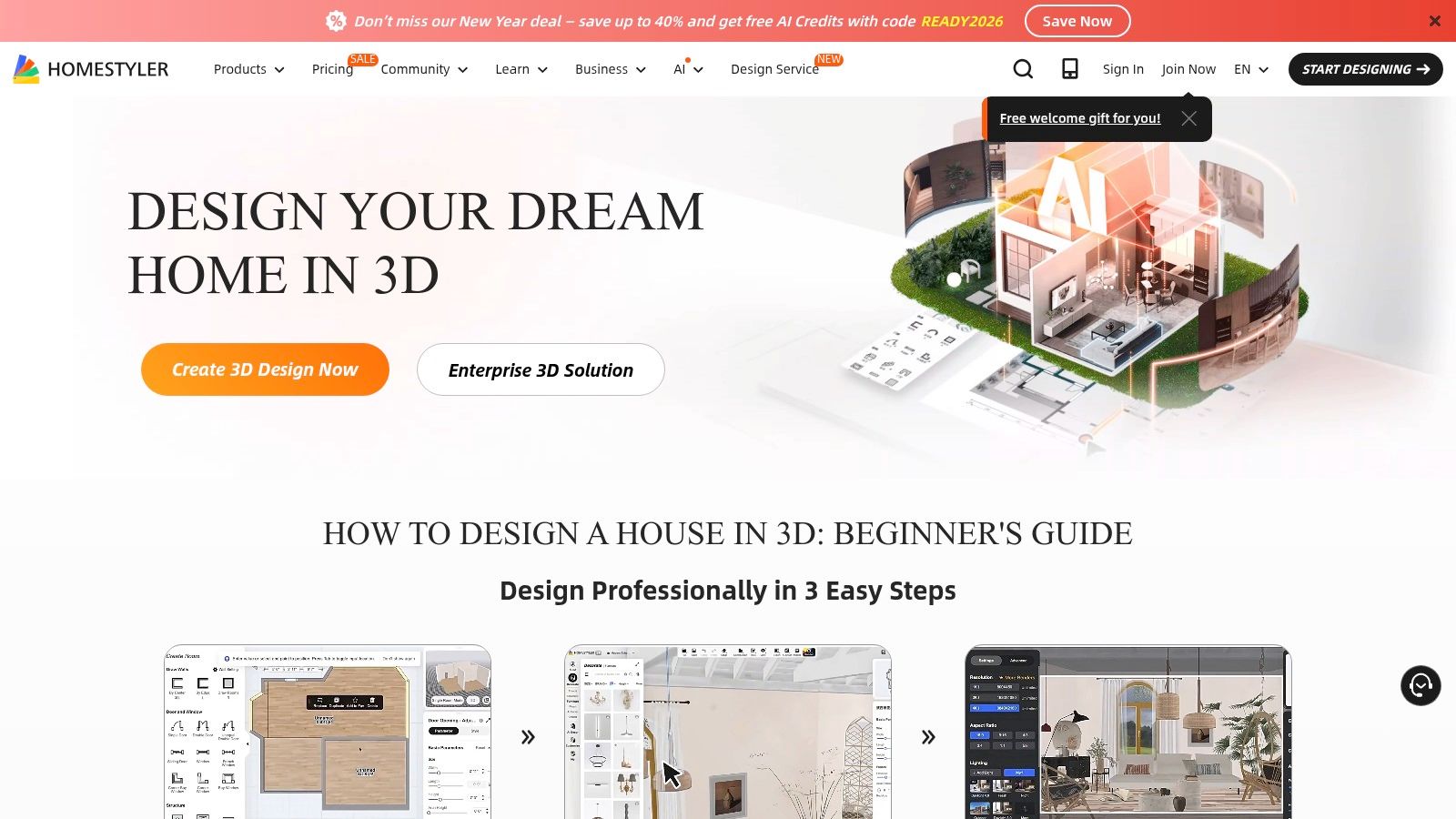
Its standout feature is the "Home Copilot," an AI assistant that helps generate design concepts and decorations, although this is primarily available on paid plans. The free version is quite generous, offering unlimited 1K renders, making it a fantastic ai room design free resource for planning and basic visualization. For those needing to explore different aesthetics, you can learn more about various room design styles to apply within the tool.
Best For: Interior designers, architects, and detail-oriented homeowners who want to create comprehensive 3D floor plans and high-quality renderings.
Pros:
Extensive library of 3D models and materials from real brands.
Robust free plan with unlimited standard-resolution renders.
Advanced lighting and rendering options produce photorealistic results.
Cons:
AI features and high-resolution renders (4K/8K) are locked behind paid plans or credits.
The interface has a steeper learning curve compared to simpler upload-and-redesign tools.
Website: https://www.homestyler.com/
6. Interior AI
Interior AI is a powerful platform focused on photorealistic transformations and high-end virtual staging. It allows users to upload photos of a room and instantly apply professional design styles, paint walls, or add furniture. It also excels at generating impressive fly-through videos and VR walkthroughs, offering a more immersive way to experience a redesigned space. The platform is targeted at users who prioritize realism and need to process multiple rooms at once.
What sets Interior AI apart is its emphasis on high-quality outputs and advanced features like parallel rendering. This allows professionals to batch process 4 to 16 rooms simultaneously, a massive time-saver for large projects. While it isn't a completely free ai room design free service, its capabilities for commercial use make it a strong contender for serious users. You can learn more about how this technology functions by reading about how AI room design works.
Best For: Real estate professionals, developers, and designers who need high-fidelity, commercially licensed visuals and batch processing capabilities.
Pros:
Feature-rich editor with higher-end realism modes for photorealistic results.
Generates fly-through videos and VR walkthroughs for an immersive experience.
Commercial use license is included with its plans.
Cons:
No permanent free plan; requires a subscription for continued use.
Achieving the best results is highly dependent on the quality of the uploaded photo.
Website: https://interiorai.com/
7. RoomGPT (iOS apps)
For those who prefer designing on the go, RoomGPT offers a collection of mobile-first iOS apps that bring AI-powered interior design directly to your phone. The core function is straightforward: snap a picture of your room, and the app can instantly generate redesigns in dozens of different styles. This makes it incredibly easy to gather quick inspiration while you're out shopping or simply relaxing on the couch.
What makes RoomGPT unique is its focus on mobile simplicity and speed. Depending on the app variant you download, some versions include targeted editing tools like a brush or fill feature, allowing for more specific adjustments. While searching the App Store, you'll find several apps under this name, each with slightly different features. This allows users to find a version that best suits their needs, making it a flexible ai room design free option for quick mobile mockups.
Best For: iPhone users seeking a fast and simple way to get design ideas and visualize changes directly from their mobile device.
Pros:
Very accessible with an easy-to-use mobile interface for quick inspiration.
Fast generation speeds provide instant visual feedback.
Frequent updates and multiple app variants offer a choice of features.
Cons:
The presence of many similarly named apps can be confusing; features and pricing vary.
Free usage is often limited, with subscriptions required to unlock most styles and tools.
8. REimagineHome
REimagineHome offers a comprehensive AI photo-to-design studio that extends beyond standard interiors to cover exteriors and even landscaping. Its ability to generate photorealistic outputs makes it a strong contender for homeowners and real estate professionals aiming for high-quality visuals. You can upload a photo and not only redesign a room but also add specialty edits, such as holiday décor or seasonal changes, giving your property a timely and appealing look.
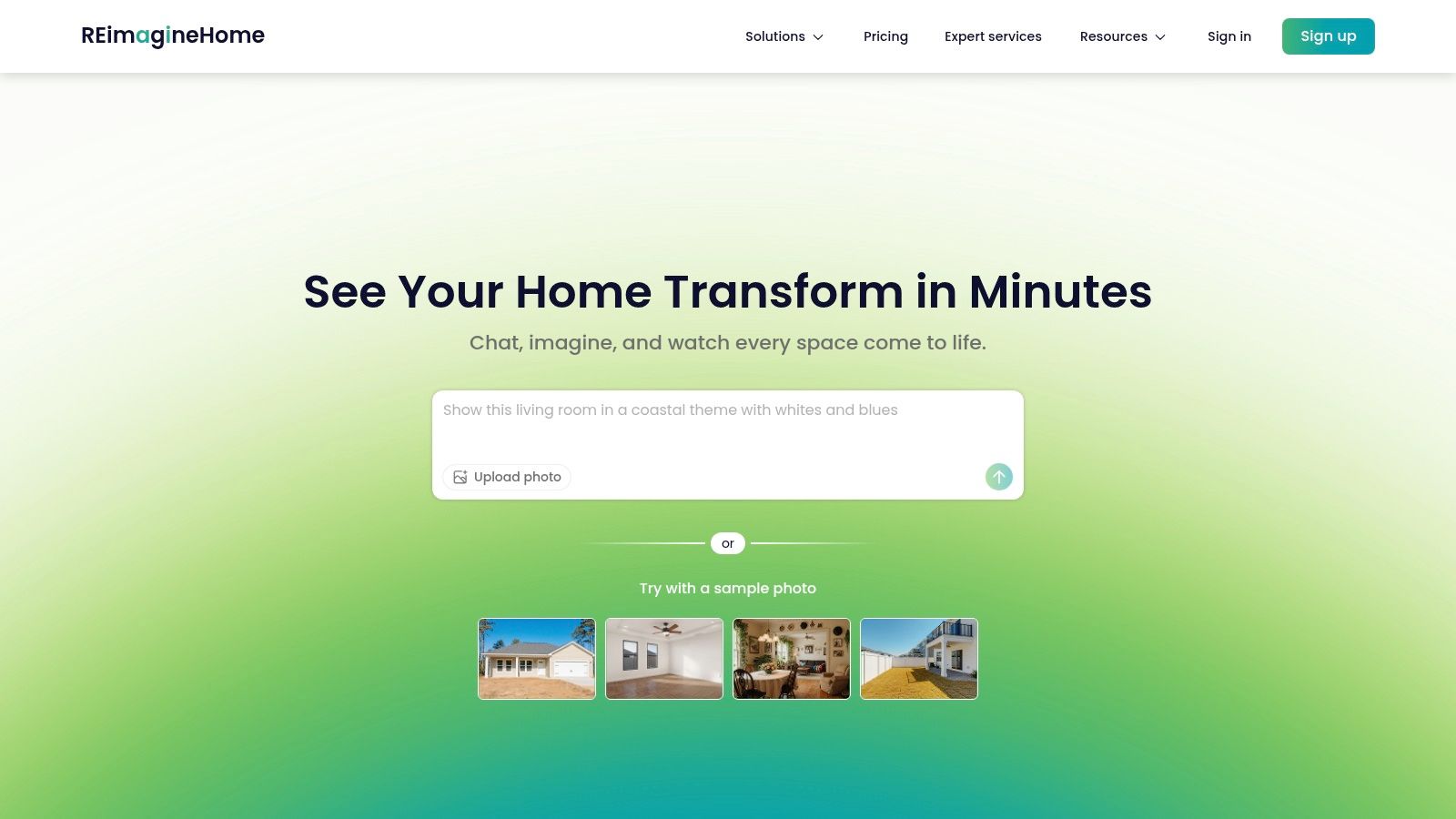
What sets this platform apart are its unique specialty transformations and a conversational AI companion available on higher-tier plans. While it operates on a credit-based subscription model, its versatility makes it a powerful tool for those needing to visualize a property's full potential, both inside and out. It showcases how AI can transform your empty space into a compelling vision, although it may not be a fully ai room design free solution for long-term use.
Best For: Real estate agents and homeowners who need to visualize both interior and exterior enhancements, including landscaping and seasonal décor.
Pros:
Broad coverage of interiors, exteriors, and landscaping in one platform.
Unique specialty edits like holiday décor and seasonal transformations.
Photorealistic outputs are great for professional marketing materials.
Cons:
Pricing is primarily subscription or credit-based with no prominent permanent free plan.
Some tiers may limit you to single-photo uploads at a time.
Website: https://www.reimaginehome.ai/
9. Pixelcut
Pixelcut offers a suite of browser-based AI tools perfect for quick, no-install interior design mockups. Its strength lies in its simplicity and speed, allowing users to upload a photo of a room, enter a text prompt, and instantly visualize a new style. It also includes specialized tools like a furniture-in-room planner and a 3D layout generator, making it highly accessible for fast ideation.
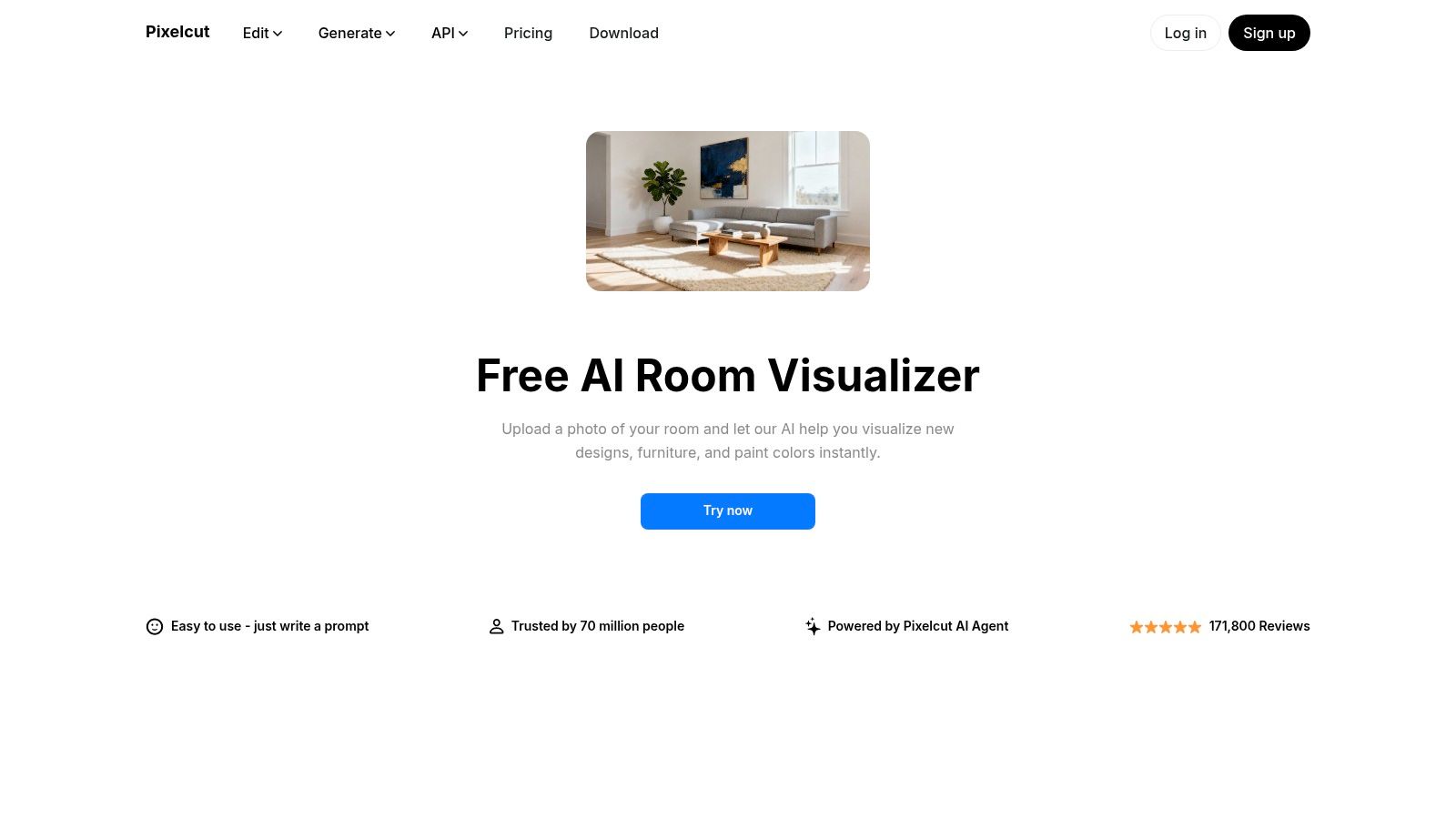
What makes this platform unique is its direct, task-focused approach. Instead of a single complex interface, it provides separate, clear flows for specific jobs like "Living Room Designer" or "Furniture Generator." This makes it an excellent ai room design free option for users who need a specific visual quickly without the friction of downloads or sign-ups, and the watermark-free downloads are a huge plus for personal projects.
Best For: Hobbyists, renters, and anyone needing fast, high-quality design ideas without committing to a complex software or subscription.
Pros:
Completely browser-based with no app installation required.
Very fast generation speeds ideal for rapid experimentation.
Simple, step-by-step user flows are perfect for beginners.
Cons:
More suited for visual brainstorming than precise, technical planning.
Offers less manual control than dedicated 3D or CAD programs.
10. Fotor
Fotor is a well-known online photo editor that has expanded into the AI design space, offering a versatile and accessible AI interior design generator. It’s perfect for users who want to quickly restyle a room by uploading a photo or generate entirely new interior concepts from simple text descriptions. The platform is designed for creative exploration, allowing you to produce mood boards and test "what-if" scenarios with minimal effort.
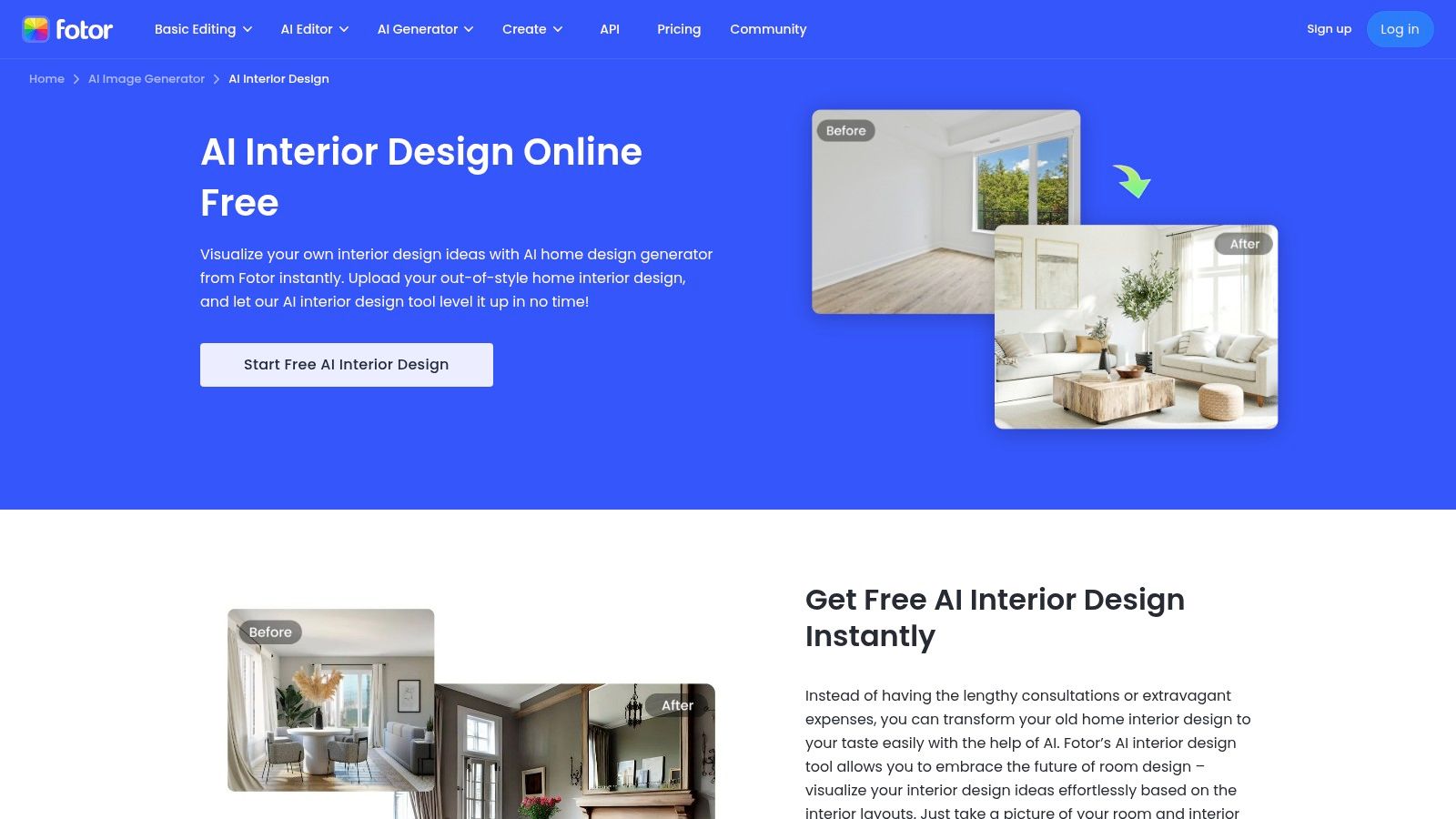
What makes Fotor stand out is its simplicity and integration within a broader creative suite, including an AI floor-plan generator from text prompts. While not as specialized as dedicated interior design software, it provides a fantastic ai room design free starting point for anyone looking to visualize ideas quickly. Its availability on both web and mobile makes it a convenient tool for capturing inspiration on the go and bringing it to life in seconds.
Best For: DIYers and creative individuals looking for a simple, multi-purpose tool for mood boards and rapid ideation.
Pros:
Very low barrier to entry with a simple user interface on web and mobile.
Generates designs from both images and text prompts for flexible creativity.
Includes an AI floor-plan generator to visualize layouts.
Cons:
Less specialized than professional interior apps; lacks material/brand catalogs.
Output quality can be inconsistent and depends heavily on the input.
11. Phygital+
Phygital+ offers a highly accessible, browser-based AI tool for interior restyling and virtual staging. It is designed for quick visual ideation, allowing users to upload a photo of their space and experiment with different aesthetics, furniture additions, and even lighting adjustments. The platform is straightforward, making it an excellent starting point for those new to AI design tools.
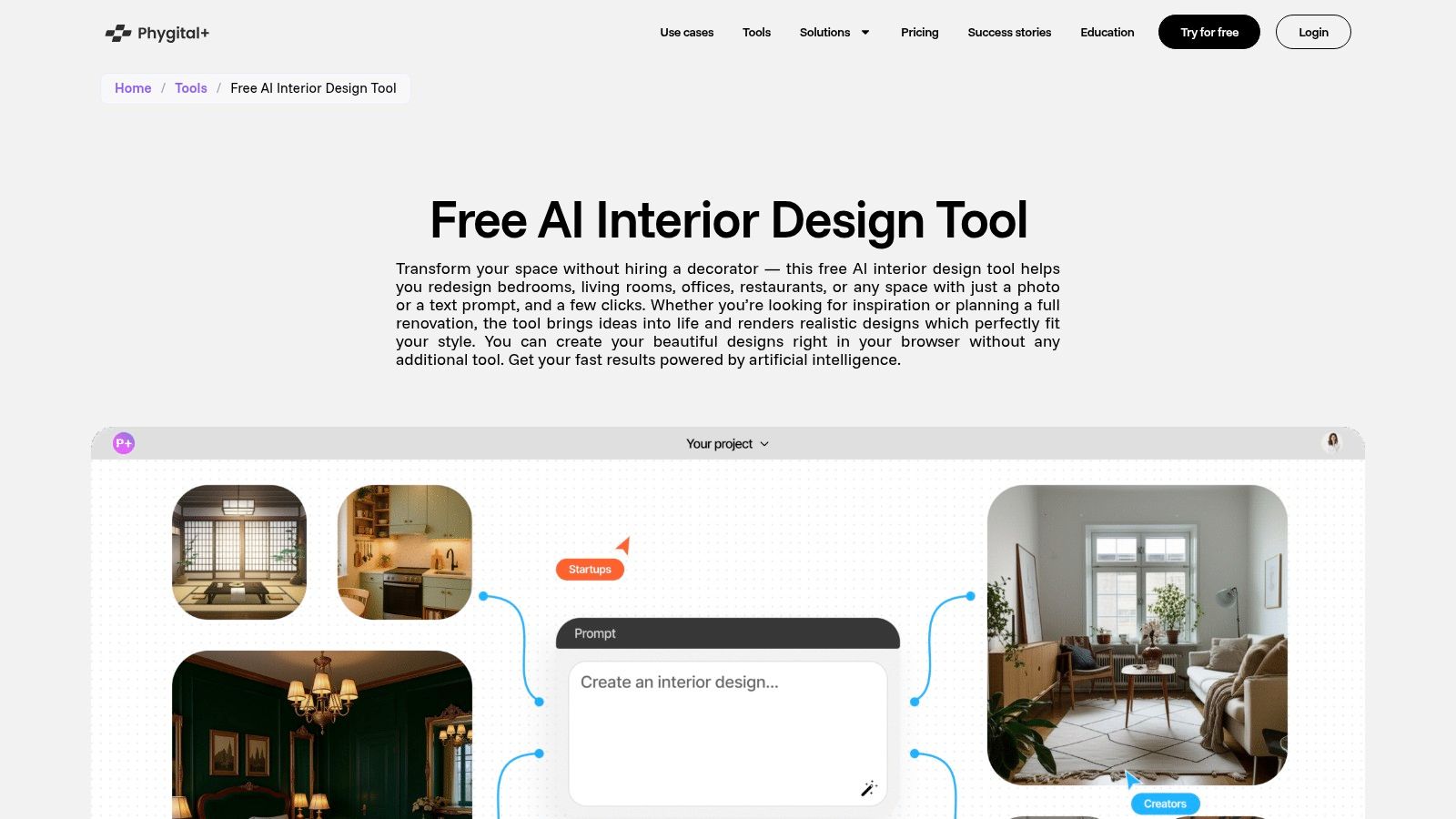
What sets Phygital+ apart is its generous free tier, which provides 20 free generations every week after a simple registration. This allows for continuous experimentation without immediate cost. Users can also switch between different AI models, balancing the need for quick, draft-quality renders with slower, higher-fidelity outputs. This flexibility makes it a practical ai room design free resource for developing mood boards and exploring concepts before committing to a final design.
Best For: Homeowners and renters looking for a no-commitment tool to test out different design ideas and visual concepts weekly.
Pros:
Meaningful free usage with 20 generations renewed weekly.
Generates lifelike previews suitable for mood boards and inspiration.
Model switching allows users to prioritize speed or quality.
Cons:
It is not a full CAD or floor-planning suite; it focuses purely on visual ideation.
The platform and community are smaller compared to more established design tools.
12. Createimg
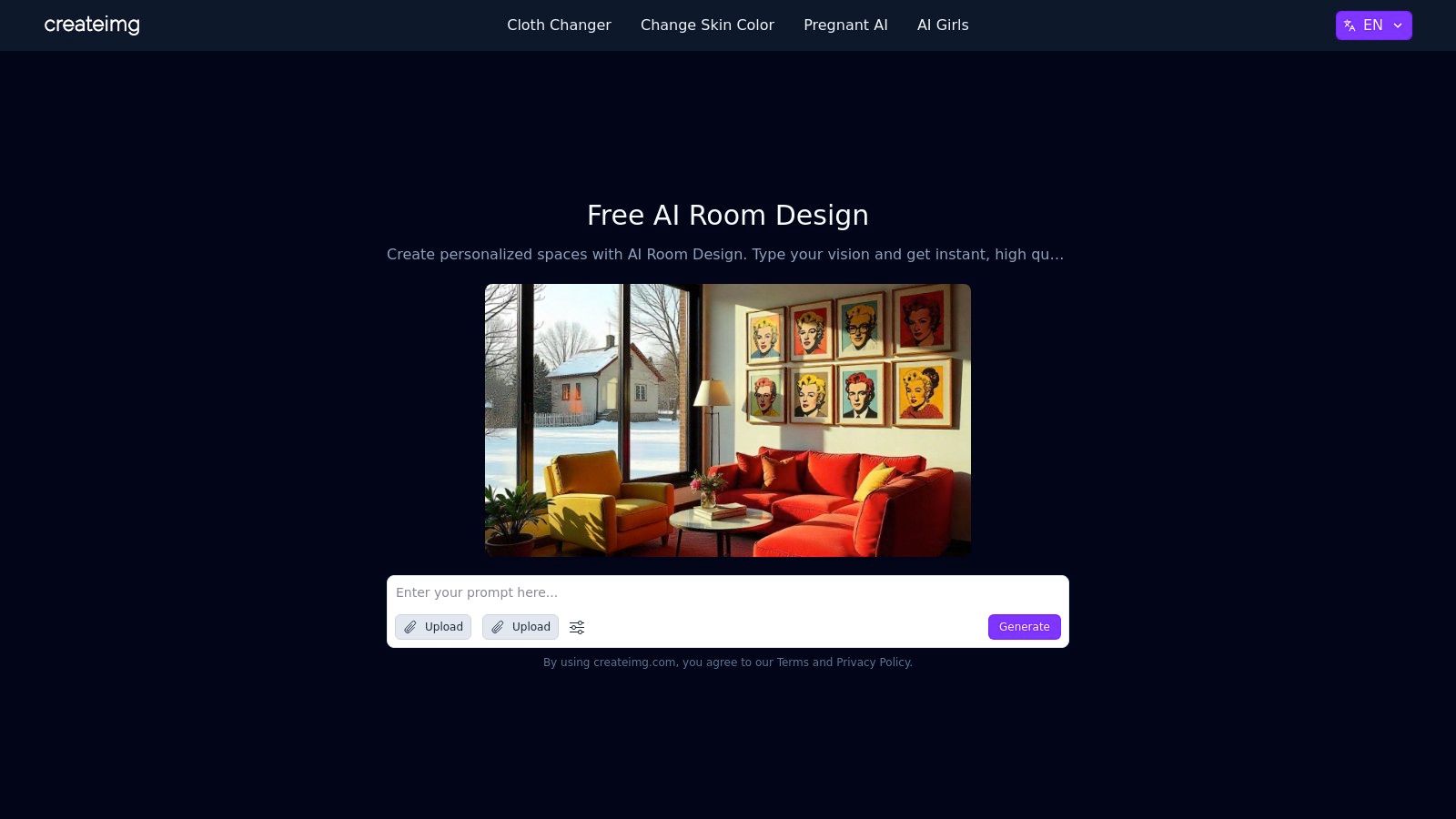
Createimg offers a lightweight, prompt-driven AI room design generator that is perfect for rapid brainstorming and exploring trendy aesthetics. It operates directly in your browser, allowing you to generate styled interior visuals almost instantly without any software installation. Users can type in descriptive prompts specifying room type, mood, and style to quickly produce high-quality mockups.
The platform is especially useful for creating social media content or exploring on-trend styles like "dark academia" or "Barbiecore," with examples to guide you. While it lacks the advanced editing and furniture catalogs of professional-grade tools, its strength lies in its speed and simplicity. This makes it an excellent ai room design free tool for getting initial ideas off the ground before committing to a specific direction.
Best For: Social media content creators, design students, and anyone needing fast, stylish visualizations for mood boards or initial brainstorming.
Pros:
Completely free with high-quality image downloads.
Extremely fast and simple to use with a minimal, web-based interface.
Great for exploring current design trends with prompt examples.
Cons:
Lacks fine-tuned editing controls and technical planning features.
Doesn't integrate real-world product catalogs for shopping.
Top 12 Free AI Room-Design Tools — Quick Feature Comparison
Product | Key features ✨ | Quality ★ | Price/Value 💰 | Best for 👥 |
|---|---|---|---|---|
🏆 Decor8 AI | ✨ Photo→photoreal redesigns, 50+ styles, paint & cabinet visualizer (Benjamin Moore/Sherwin/Behr/HEX), furniture removal, sketch→3D, upscaling, Virtual Staging API/SDKs | ★★★★★ | 💰 Free trial → credit/subscription for high‑res/usage | 👥 Realtors, homeowners, photographers, designers, developers |
IKEA Kreativ (IKEA) | ✨ Room scanner, eraser tool, place lifelike IKEA catalog items, LiDAR support | ★★★★ | 💰 Free (retailer‑backed) | 👥 Shoppers, layout planners, IKEA customers |
Planner 5D | ✨ 2D/3D editor, AI Design Generator from photos/floorplans, large item catalog, Apple Pencil/Vision Pro support | ★★★★ | 💰 Freemium; subscription unlocks full catalog & AI | 👥 DIYers, hobbyists, early planners |
Homestyler | ✨ Browser 3D planner, Home Copilot AI, advanced lighting/rendering up to 12K, BOM/floorplan exports | ★★★★ | 💰 Freemium; paid tiers add AI credits & high‑res renders | 👥 Pros, small firms, serious hobbyists |
Interior AI | ✨ Photo edits, virtual staging, upscaling, fly‑throughs & VR walkthroughs, parallel rendering | ★★★★ | 💰 Subscription/credit-based (no always‑free) | 👥 Photographers, agents, pros needing high realism |
RoomGPT (iOS apps) | ✨ Mobile-first AI redesigns, brush/fill object edits, broad style library | ★★★ | 💰 Free download; in‑app purchases/subscriptions | 👥 Casual users, mobile-first creators |
REimagineHome | ✨ Interiors/exteriors/landscaping, seasonal/holiday edits, credit batching, convo AI on higher tiers | ★★★★ | 💰 Credit/subscription-based | 👥 Realtors, homeowners, landscape/exterior projects |
Pixelcut | ✨ Browser room visualizer, furniture-in-room, prompt-driven tools, watermark‑free downloads | ★★★ | 💰 Free to try; some paid features | 👥 Social creators, quick ideation |
Fotor | ✨ Image restyle & in‑paint, AI floor‑plan generator, web & mobile access | ★★★ | 💰 Freemium; paid for advanced outputs | 👥 Moodboard creators, rapid concepting |
Phygital+ | ✨ 20 free generations/week, model switching (speed vs quality), furniture & lighting controls | ★★★ | 💰 Free weekly quota; paid for more | 👥 Idea testers, budget users |
Createimg | ✨ Prompt→room visuals, trend styles, fast web downloads | ★★★ | 💰 Free/low-cost web tool | 👥 Social content creators, fast brainstorming |
Choosing Your Perfect AI Design Partner
The world of interior design has been revolutionized. As we've explored, the power to visualize, experiment, and create your dream space is no longer locked behind expensive software or professional consultations. The rise of ai room design free tools has placed a virtual design studio right at your fingertips, accessible from your computer or smartphone.
We've walked through a diverse landscape of platforms, from the hyper-realistic virtual staging capabilities of Decor8 AI to the ecosystem-driven experience of IKEA Kreativ and the comprehensive planning features of Planner 5D. Each tool offers a unique strength, catering to different needs, skill levels, and project goals. The key takeaway is that there is no single "best" tool, only the best tool for your specific task.
Your Next Steps: From Inspiration to Implementation
So, where do you go from here? The journey from a blank room to a beautifully designed space starts with a single, simple action. Don't let indecision stall your progress. Instead, use this guide to choose a starting point and dive in.
To help you select the right platform, consider these guiding questions:
What is my primary goal? Are you looking for quick style inspiration (like Interior AI or RoomGPT), detailed floor planning (Planner 5D), or professional-grade virtual staging for real estate (Decor8 AI, REimagineHome)? Your objective is the most important filter.
What is my starting point? Do you have an empty room photo, a detailed floor plan, or just a vague idea? Tools like Decor8 AI excel with existing photos, while others are built for creating from scratch.
How much time and effort can I invest? Some tools offer instant, one-click redesigns, while others provide a deeper, more customizable experience that requires more input. Match the tool's complexity to your availability.
What is my technical comfort level? Most platforms we've covered are incredibly user-friendly. However, if you're looking for a simple, streamlined process, a tool with a focused feature set might be a better fit than one with a vast, potentially overwhelming, array of options.
Final Thoughts on Your Design Journey
The most significant barrier to redesigning a space is often the fear of making the wrong choice. The beauty of using a free AI room design tool is that it completely removes that risk. You can explore dozens of styles, test countless furniture layouts, and experiment with bold color palettes without spending a dime or moving a single piece of furniture.
Think of these tools as your creative sandbox. They empower you to make confident decisions, bridging the gap between imagination and reality. The perfect room is not just a dream; it's a series of well-informed choices. Start making those choices today, and watch your vision come to life.
Ready to see your space transformed with photorealistic results in seconds? Decor8 AI offers a powerful and intuitive platform perfect for homeowners, real estate professionals, and designers alike. Try our ai room design free tier today and take the first step toward creating stunning, professionally-styled interiors at Decor8 AI.
Comments