Feature
Remove Furniture
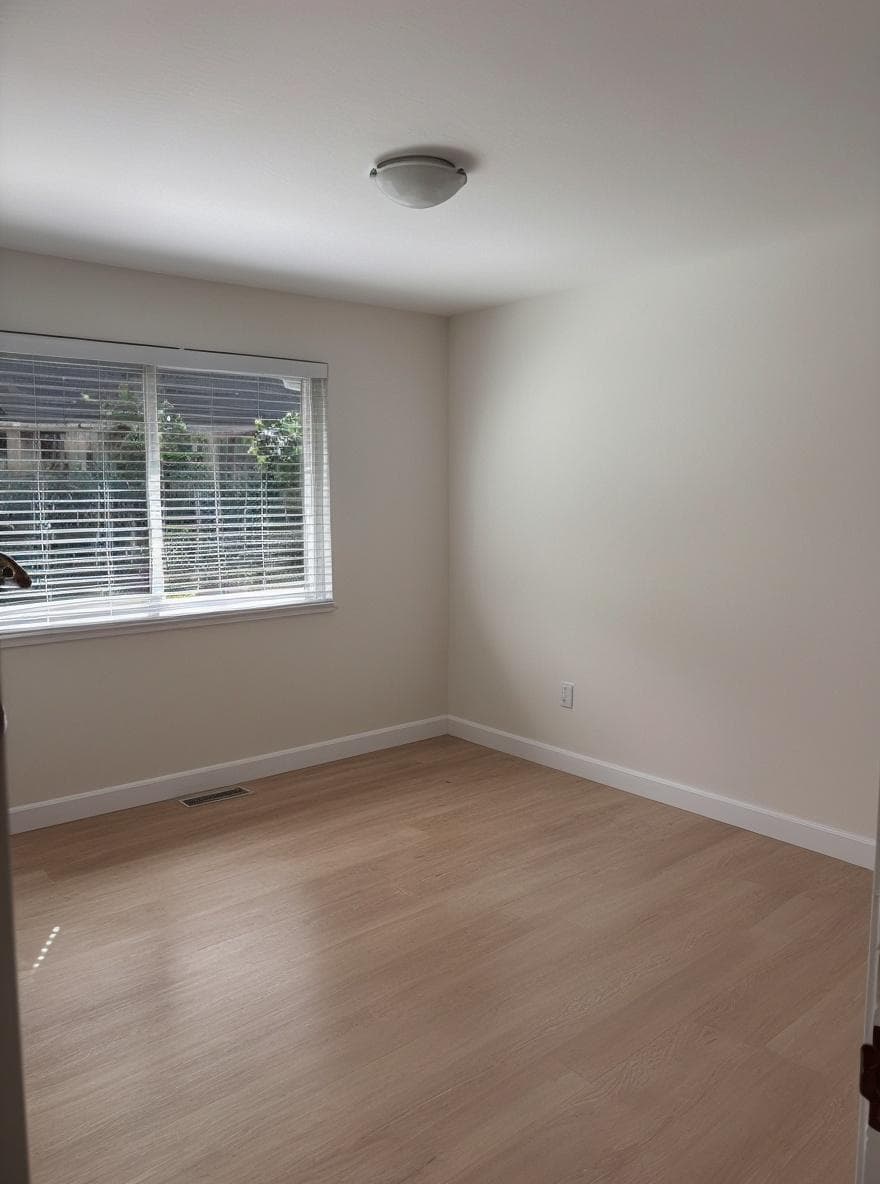
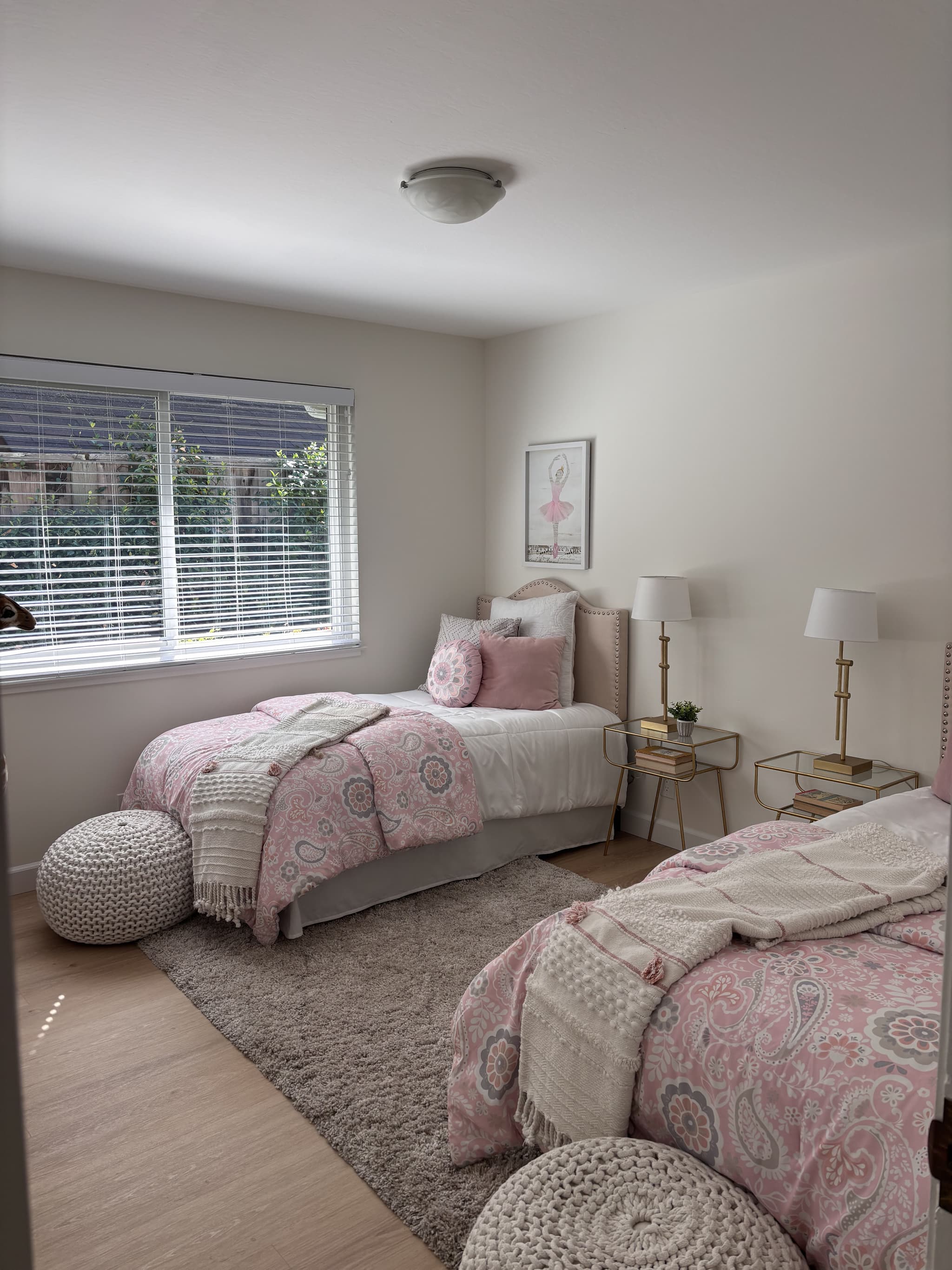
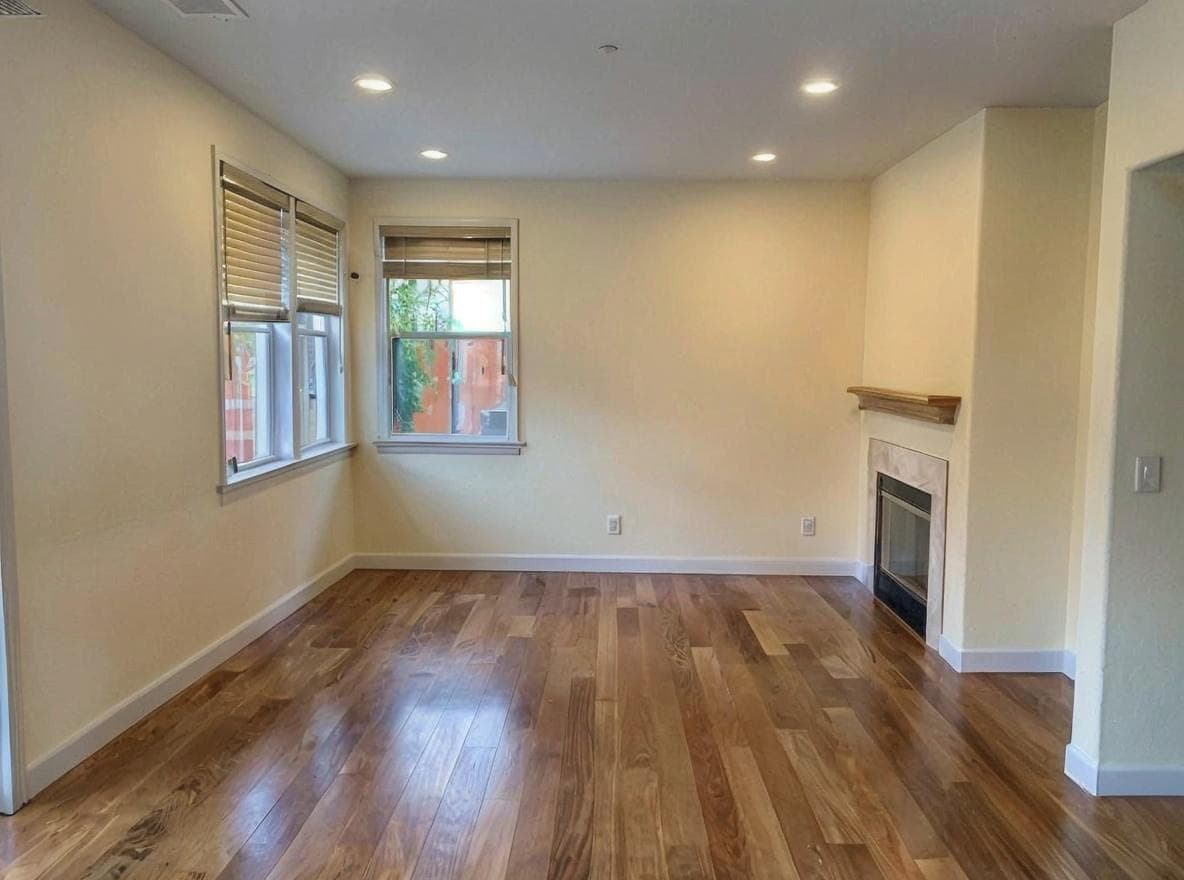
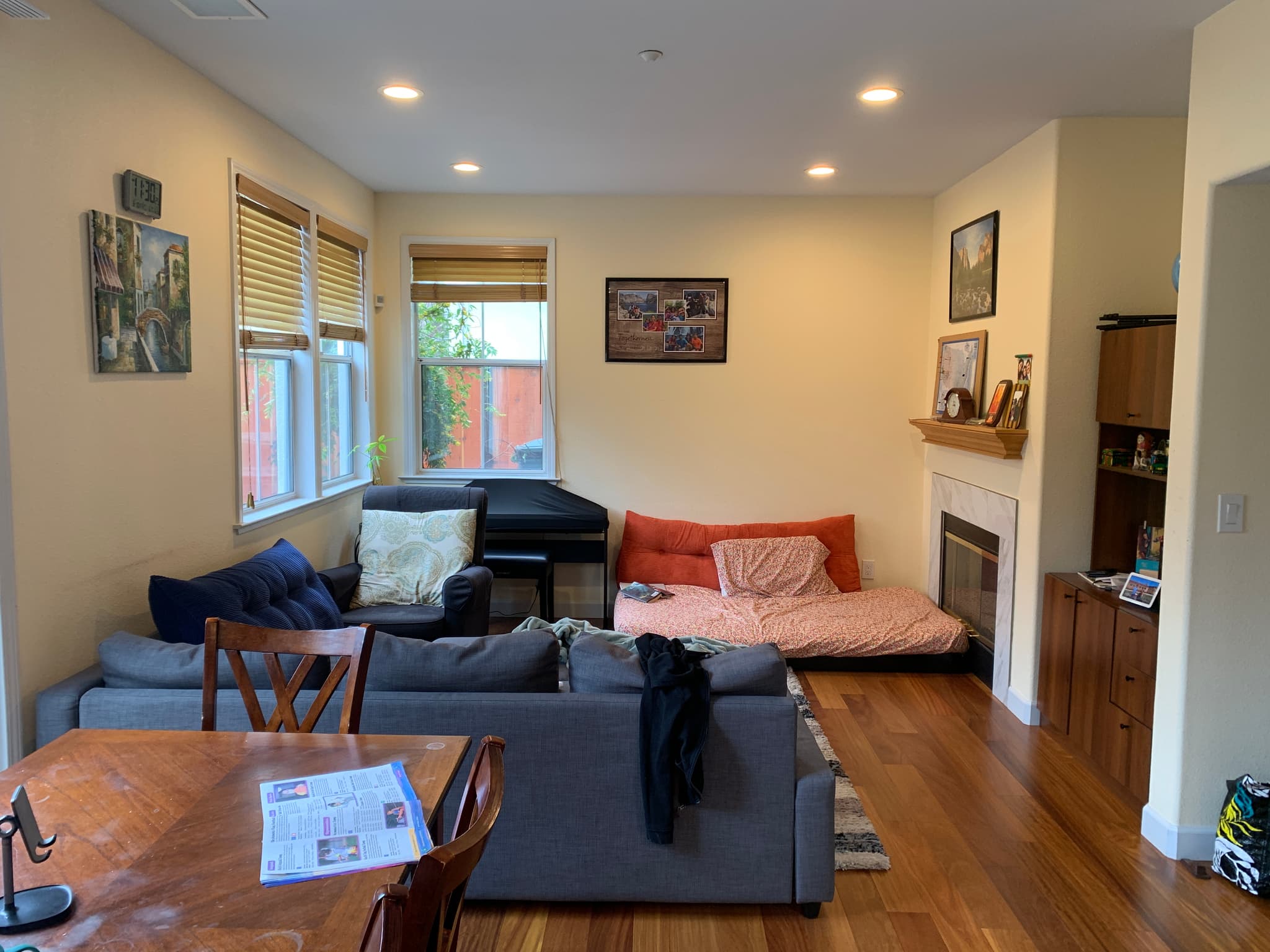
Clean up room photos by removing furniture, clutter, or unwanted objects. AI fills in the background naturally. Perfect for creating blank canvases for virtual staging or seeing a room's true potential.
Why Use Remove Furniture?
Remove unwanted furniture and objects from room photos.
Create empty rooms for staging
Remove clutter from listing photos
See the space without distractions
Clean background for redesigns
See Remove Furniture in Action
Upload your own photo to see the transformation, or browse examples below.
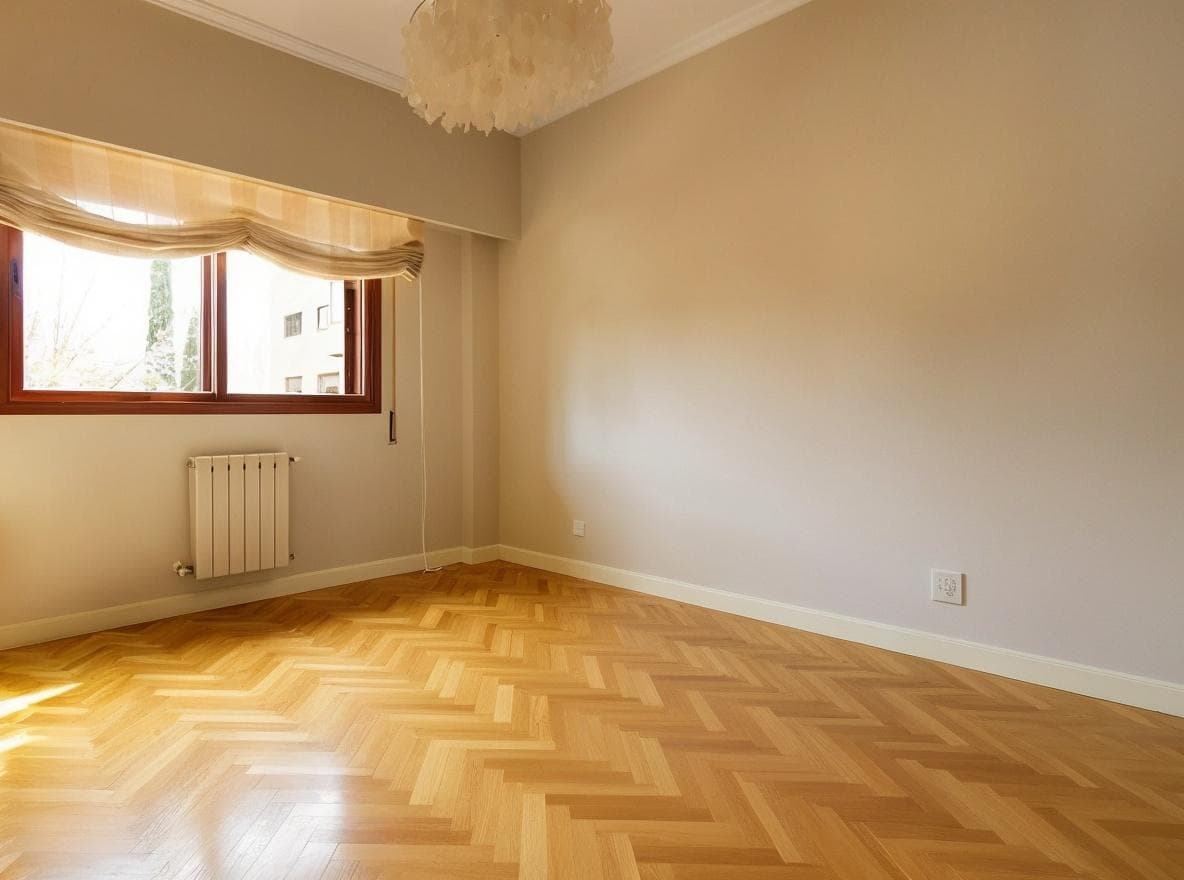
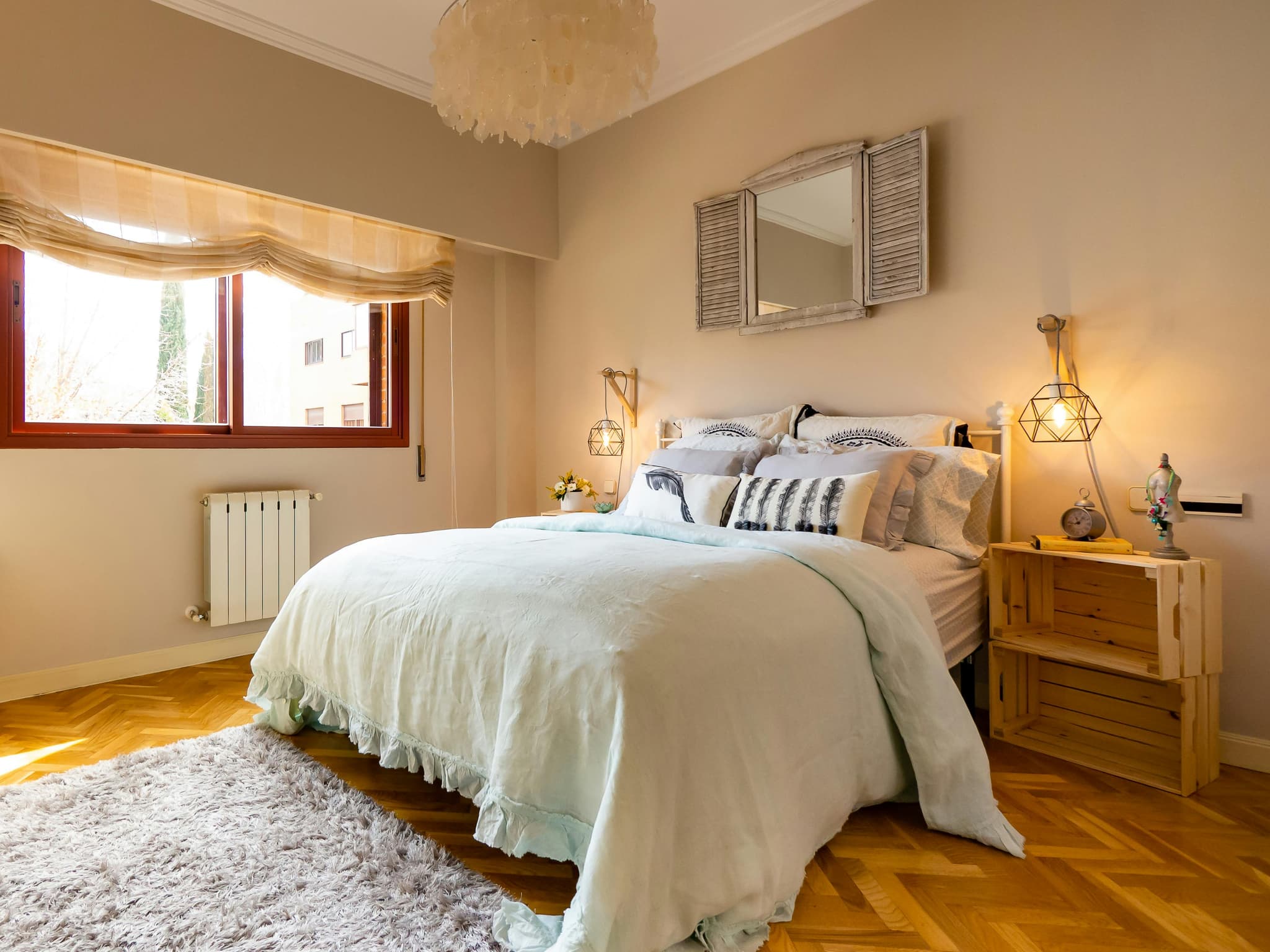
Furniture Removal
Remove unwanted furniture and objects from property photos instantly.
Try It Yourself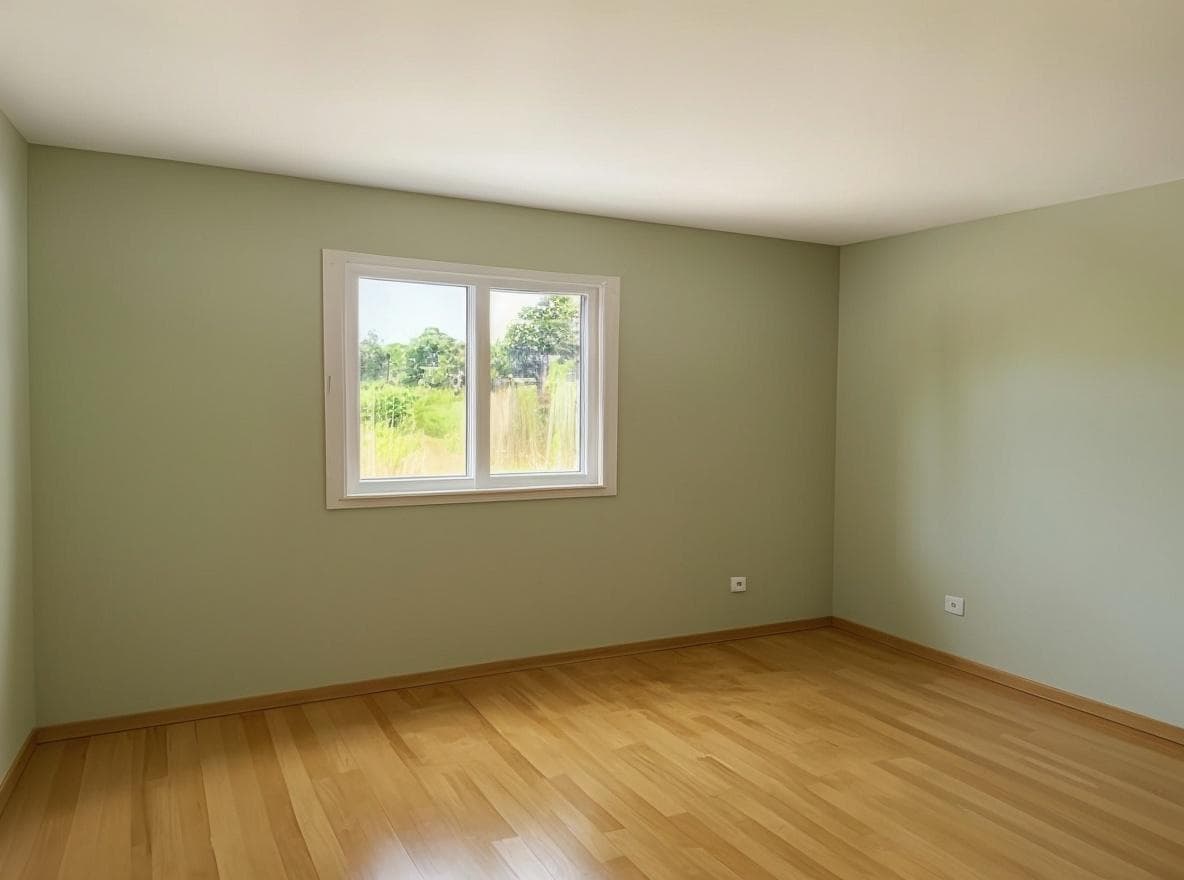
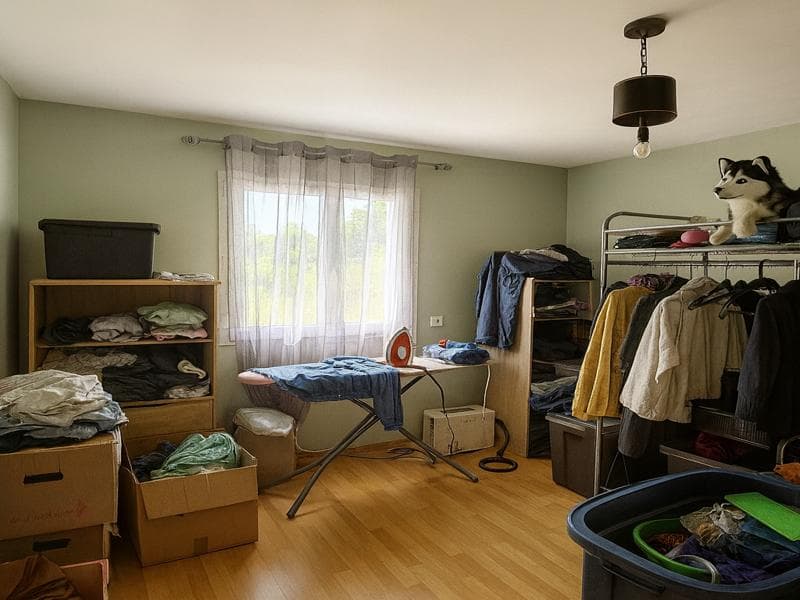
How It Works
Get started with Remove Furniture in three simple steps.
Upload Photo
Share the room photo with items you want removed.
Mark Objects
Indicate which items to remove (or select all furniture).
Download Clean Image
AI removes objects and fills the space naturally.
Who Uses Remove Furniture?
Remove Furniture is perfect for anyone looking to visualize design possibilities quickly and affordably.
Preparing rooms for virtual staging
Cleaning up messy listing photos
Removing tenant furniture
Creating before/after reveals
Frequently Asked Questions
Common questions about Remove Furniture.
Related Features
Explore more AI-powered design tools.
Paint Color Visualizer
See how different paint colors would look on your walls before buying a single can.
Kitchen Cabinet Color Visualizer
See how different cabinet colors would look in your kitchen before remodeling.
Sketch to 3D Render
Transform hand-drawn sketches into photorealistic 3D renders with perspective or isometric views.
Ready to Try Remove Furniture?
Start transforming your spaces with AI today. No design skills required.