
The 12 Best AI Powered Interior Design Tools for 2026
- oliverjames0609
- Jan 18
- 19 min read
Gone are the days of guesswork and expensive consultations.Gone are the days of guesswork and expensive consultations. Whether you're a homeowner planning a weekend refresh, a real estate agent trying to sell a property faster, or a professional designer seeking faster workflows, a new category of technology is changing everything. AI powered interior design tools now make it possible to visualize new furniture, test paint colors, and even completely restyle a room with just a few clicks. This guide cuts through the noise to bring you a curated list of the top 12 tools available today.
This resource is built to help you find the best platform for your specific needs, without wasting time or money. Instead of just listing features, we provide a comprehensive breakdown of each tool, analyzing its strengths, weaknesses, and ideal user. You will find detailed reviews covering standout features, practical use cases, and honest limitations for everything from professional AI Virtual Staging to simple AI Room Design apps.
We'll dive deep into what makes each one unique, who it's for, and how you can use them to bring your vision to life. Each entry includes screenshots, direct links, and clear pricing information to simplify your decision. The way these AI tools generate visual concepts is a fascinating application of modern creative technology. To further understand how AI is transforming various creative workflows and user perceptions, you might also be interested to delve into a modern guide to content creation with AI. Our goal is to equip you with the insights needed to choose the right AI Home Design tool and start transforming your space instantly.
1. Decor8 AI
Decor8 AI establishes itself as a powerful, all-in-one platform for professionals and homeowners seeking rapid, photorealistic design transformations. It excels at converting a single room photo into a multitude of design concepts in seconds, making it one of the most versatile AI powered interior design tools available. Its core strength lies in its comprehensive suite of features that address the entire visual marketing and design lifecycle, from initial concept to listing-ready imagery. This makes it an exceptional tool for AI Interior Design.
The platform is engineered for speed and accuracy, providing a seamless experience across web and mobile devices with full cloud synchronization. Users can explore over 50 curated styles or use natural language to guide the AI, a process that allows for highly specific and creative outcomes. To better understand how this works, you can explore Decor8 AI's guide on how AI design prompts work. This flexibility makes it an invaluable tool for real estate agents who need compelling AI Virtual Staging visuals or for designers iterating on client proposals.
Standout Features & Use Cases
Decor8 AI is more than just a room styler; its capabilities extend into technical photo editing and visualization.
Virtual Staging & De-cluttering: Instantly remove existing furniture or clutter and stage rooms with new, true-to-life assets. This is ideal for realtors and developers needing to market vacant or occupied properties effectively.
Paint & Cabinet Visualizer: Preview paint colors from major brands like Sherwin-Williams, Benjamin Moore, and Behr, or input a custom HEX code. This feature is a game-changer for homeowners and renovators who want to visualize changes before committing.
Sketch-to-Render Engine: Transform a simple hand-drawn sketch into a polished 3D perspective or isometric rendering, perfect for architects and designers in the early concept phase.
Advanced Image Enhancement: The platform includes professional-grade tools like 4K upscaling, sky replacement, day-to-twilight conversion, and realistic lighting and shadow generation to produce high-impact marketing photos.
Developer & Integration Focus
A key differentiator for Decor8 AI is its robust support for developers. It offers a well-documented Virtual Staging API, SDKs (Python, JavaScript), and no-code plugins for platforms like WordPress and Bubble. This allows businesses to seamlessly integrate AI Room Design capabilities directly into their own websites and applications.
Feature | Ideal User |
|---|---|
Virtual Staging | Real Estate Agents, Property Managers |
Style Exploration | Interior Designers, Homeowners |
Paint Visualizer | DIY Renovators, Painting Contractors |
Sketch-to-3D | Architects, Builders |
API & SDKs | Tech Startups, Real Estate Platforms |
Pros & Cons
Pros:
Speed and Efficiency: Delivers photorealistic redesigns and edits in seconds.
Comprehensive Toolkit: A single platform for staging, object removal, paint visualization, and advanced photo editing.
Cross-Platform & Developer-Friendly: Works on any device with cloud sync and offers powerful APIs for integration.
High-Quality Output: Produces marketing-grade visuals with realistic lighting, shadows, and reflections.
Cons:
Pricing Transparency: Specific pricing for paid plans and API usage requires visiting the website directly.
AI Variability: Like all AI image generators, results can be influenced by the quality of the source photo, and complex scenes may require adjustments.
Website: https://www.decor8.ai
2. IKEA Kreativ (IKEA U.S.)
IKEA Kreativ brings a powerful and practical AI Room Design tool directly into the hands of shoppers. Integrated within the IKEA app and website, this feature allows users to scan their actual room, digitally erase existing furniture, and then place true-to-scale 3D models of IKEA products into the space. This seamless workflow is perfect for homeowners who want to visualize how specific pieces will fit and look before committing to a purchase.
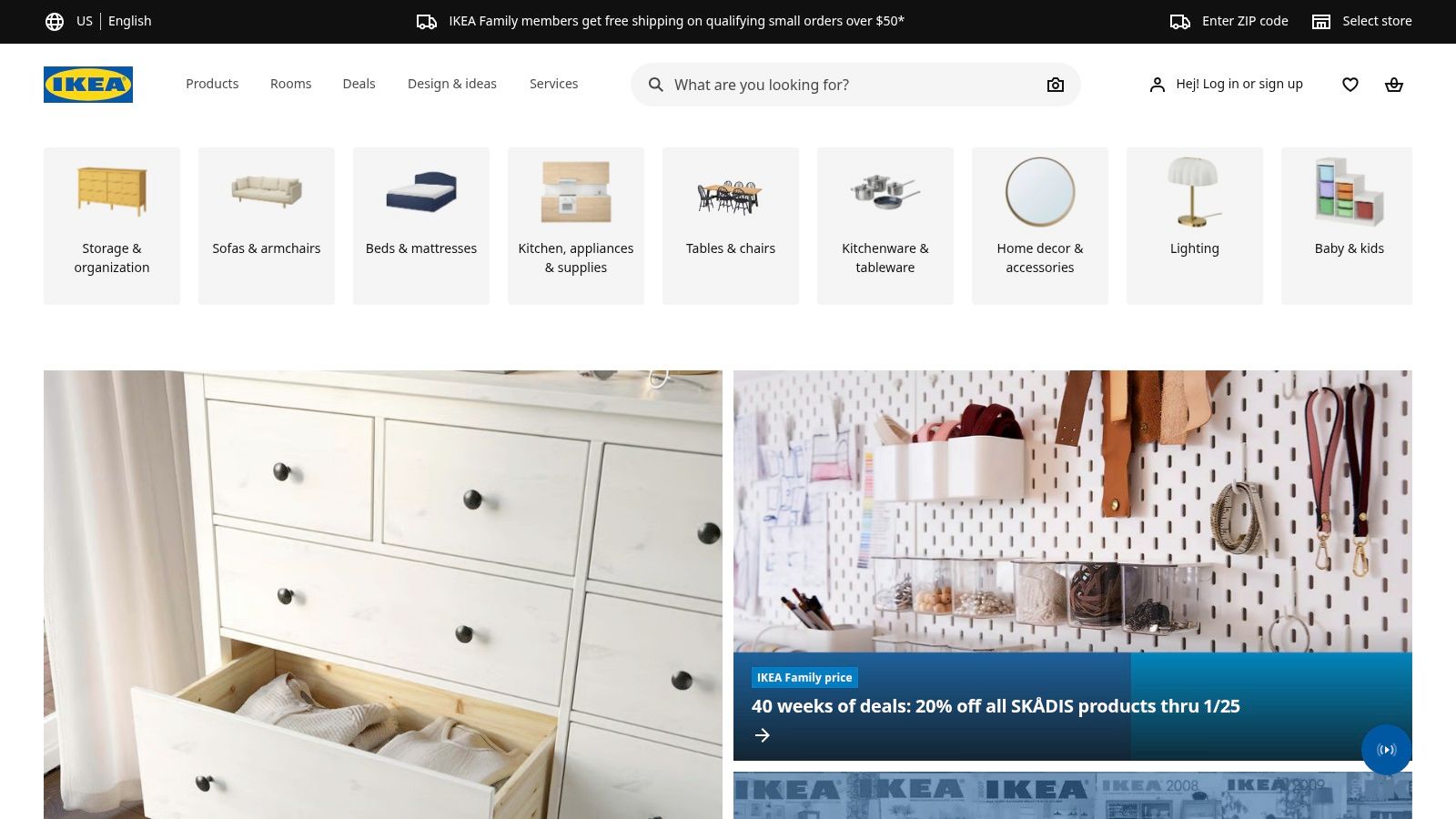
The platform’s strength lies in its direct connection to IKEA's massive U.S. product catalog. Users can design a room, add the visualized items to their cart, and check out, all within the same ecosystem. This makes it one of the most practical AI-powered interior design tools for anyone planning to furnish their home with IKEA products. Its focus on AI Home Décor makes it uniquely useful for shoppers.
Key Features & User Experience
Room Scanning: Utilizes your phone's camera (including LiDAR on newer iPhones for enhanced accuracy) to create a digital replica of your space.
Erase & Replace: The "Erase" tool lets you remove your current furniture from the scan, creating a blank canvas to work with.
Integrated Shopping: Every virtual item is a real, shoppable product. You can add your entire design to your shopping cart with one click.
Cross-Platform Sync: Start a design on your phone and refine it later on a desktop for a more detailed view.
Feature | Details |
|---|---|
Ideal For | Homeowners, DIY decorators, and anyone furnishing a space on an IKEA budget. |
Pricing | Completely free to use. |
Pros | Tightly integrated with a major retailer, free access, realistic product models. |
Cons | Limited exclusively to the IKEA U.S. product catalog. |
Website: https://www.ikea.com/us/
3. Wayfair Decorify
Wayfair Decorify is an AI Room Design tool that transforms a simple photo of your room into multiple, fully furnished, and shoppable style variations. This web-based experience allows users to upload an image and let the AI automatically restyle the space with products directly from Wayfair's extensive catalog. It’s an ideal solution for those seeking quick inspiration and a direct path to purchase, turning a design concept into reality with just a few clicks.
The platform stands out by bridging the gap between inspiration and execution. Each generated design is not just a visual idea; it's a curated, photorealistic render linked directly to the products used. Wayfair is also pushing into immersive technology, offering a companion app on Apple Vision Pro that lets users place 3D models of select items in their actual space, providing a true "try-before-you-buy" experience for an enhanced AI Home Design workflow.
Key Features & User Experience
Photo-to-Design: Simply upload a picture of your room to generate multiple styled and photorealistic concepts almost instantly.
Shoppable Renders: Every item featured in the AI-generated images includes direct links to purchase on Wayfair.com.
Style Presets: Choose from various popular and seasonal styles (e.g., "Modern," "Traditional," "Bohemian") to guide the AI's output.
Immersive 3D Placement: Apple Vision Pro users can take the experience further by placing true-to-scale 3D product models in their room.
Feature | Details |
|---|---|
Ideal For | Homeowners looking for quick redecorating ideas and a streamlined shopping experience from Wayfair. |
Pricing | Currently free to use as a pilot experience. |
Pros | Tightly integrated with a massive e-commerce catalog, immersive Vision Pro app, very easy to use. |
Cons | Still in an experimental phase; design quality can vary based on the initial photo's quality. |
Website: https://www.wayfairnext.com/Decorify
4. Zillow Showcase Virtual Staging
Zillow Showcase Virtual Staging integrates AI Virtual Staging directly into the real estate giant's premium listing service. This tool is designed for real estate agents to enhance property photos, allowing prospective buyers to interactively restyle empty or furnished rooms with curated design presets. It transforms static images into an engaging experience, helping buyers envision themselves in the home.
The platform's unique advantage is its massive, built-in audience. Rather than using an external tool, agents can deploy staging that is immediately visible to millions of potential buyers browsing Zillow. This makes it a powerful marketing feature for agents subscribed to the service. For more details on its capabilities, explore how Zillow Showcase for boosting listings with AI tours can elevate property marketing for your AI Home Design needs.
Key Features & User Experience
Interactive Restyling: Buyers can click on listing photos to apply different styles like modern, coastal, or mid-century modern to see a room's potential.
Before & After Slider: A simple slider allows users to compare the original photo with the AI-staged version, highlighting the transformation.
Native Integration: The staging is built directly into the Zillow listing, creating a seamless and engaging browsing experience for users on the platform.
Agent-Focused Tool: It's designed as a premium feature for agents to make their listings more competitive without needing third-party software.
Feature | Details |
|---|---|
Ideal For | Real estate agents, property marketers, and sellers looking to enhance their listings on the Zillow platform. |
Pricing | Included as part of a Zillow Showcase subscription for agents; pricing varies by market. |
Pros | Puts interactive staging in front of a huge audience, no external software needed, great for vacant properties. |
Cons | Only available to agents with a premium Showcase subscription, not a standalone tool for individual use. |
Website: https://www.zillow.com/
5. Interior AI
Interior AI is a versatile web app designed for rapid AI Home Design and virtual staging. It serves both homeowners seeking inspiration and professionals needing quick, high-quality visualizations. Users can upload a photo of any space, interior or exterior, and the platform generates redesigns in dozens of different styles, from Minimalist to Art Deco, in a matter of seconds. This makes it an excellent tool for exploring diverse aesthetics without any manual design work.
The platform's standout feature is its comprehensive toolset, which goes beyond simple restyling. It offers powerful AI Virtual Staging for empty rooms, sketch-to-render conversions for architects, and even the ability to create 3D fly-through videos from generated scenes. This breadth of functionality makes it a one-stop-shop for a wide range of visualization needs, from simple AI Home Décor changes to complex architectural mockups.
Key Features & User Experience
Instant Redesigns: Upload a photo and receive multiple design options across more than 30 styles almost instantly.
Virtual Staging: Transform empty rooms into fully furnished, appealing spaces, a key tool for real estate marketing. You can explore 10 ways AI can transform your empty space to see the potential.
Sketch to Render: Converts hand-drawn sketches or SketchUp models into photorealistic renders, bridging the gap between concept and reality.
3D Fly-Throughs: Offers the unique ability to generate a video walkthrough from your AI-designed scene, providing a dynamic and immersive view.
Feature | Details |
|---|---|
Ideal For | Real estate agents, homeowners, architects, and designers needing fast, multi-style iterations. |
Pricing | Offers a free trial, with paid plans starting from $29/month. |
Pros | Wide range of tools from restyling to 3D, fast generation speed, clear privacy policy. |
Cons | Output quality is dependent on the source image, and advanced plans can be costly. |
Website: https://interiorai.com/
6. RoomGPT
RoomGPT offers one of the most straightforward and accessible AI Room Design experiences available, making it a popular choice for quick inspiration and social sharing. Users simply upload a photo of their room, select a design style, and let the AI generate a completely new look. This simplicity is its greatest strength, providing homeowners and DIY enthusiasts a fast and fun way to explore design possibilities without a steep learning curve.
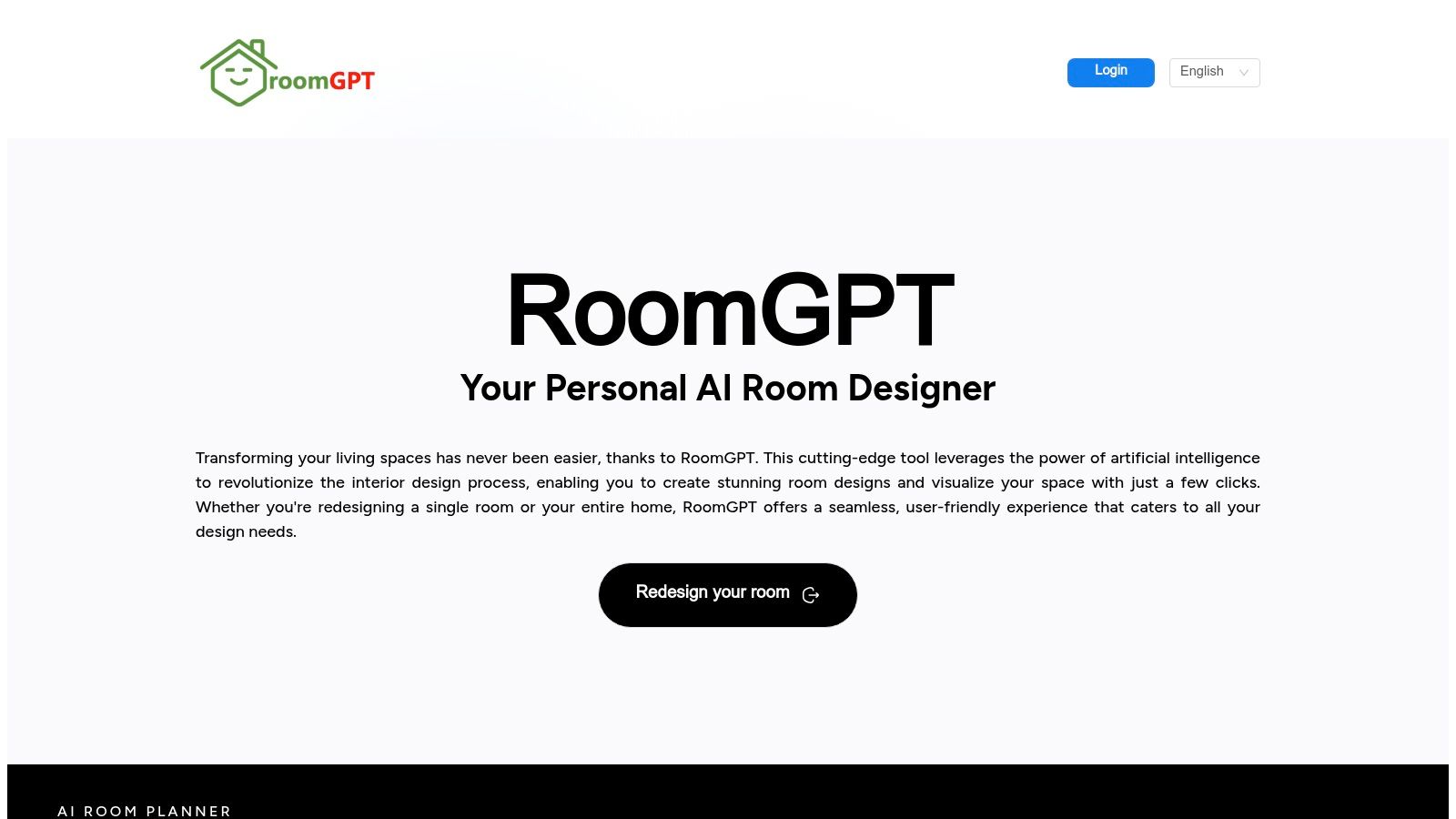
The platform is designed for speed and ease of use, delivering redesigned images in seconds. While it lacks the in-depth customization of professional-grade software, it excels as an ideation tool. Whether you're contemplating a modern makeover or a rustic refresh, RoomGPT provides an instant visual reference that can help kickstart any AI Home Décor project.
Key Features & User Experience
Instant Redesigns: Upload a single photo of any room to get multiple AI-generated design concepts almost immediately.
Style Selection: Choose from over a dozen predefined styles like Modern, Minimalist, or Industrial, or use a custom text prompt to describe your vision.
Cross-Platform Access: The tool is available on both web and iOS, making it easy to generate ideas on the go and share them.
Simple Interface: The user experience is incredibly intuitive, requiring no prior design software knowledge to get started.
Feature | Details |
|---|---|
Ideal For | Homeowners seeking quick inspiration, social media content creators, and anyone new to AI design tools. |
Pricing | Offers 3 free initial credits; paid plans start at $14.99 for more credits. |
Pros | Extremely easy to use, very fast results, great for generating initial ideas. |
Cons | Limited free use, lacks advanced customization and professional features. |
Website: https://roomgpt.design/
7. REimagineHome
REimagineHome offers a comprehensive suite of AI Virtual Staging and restyling tools designed primarily for real estate and design professionals. The platform goes beyond simple room decoration, providing functionalities for virtual staging in empty rooms, redesigning furnished spaces, and even performing outdoor landscaping makeovers. Its focus on scalable solutions makes it a powerful asset for real estate agents, photographers, and design teams who need to generate high-quality marketing visuals quickly and efficiently.
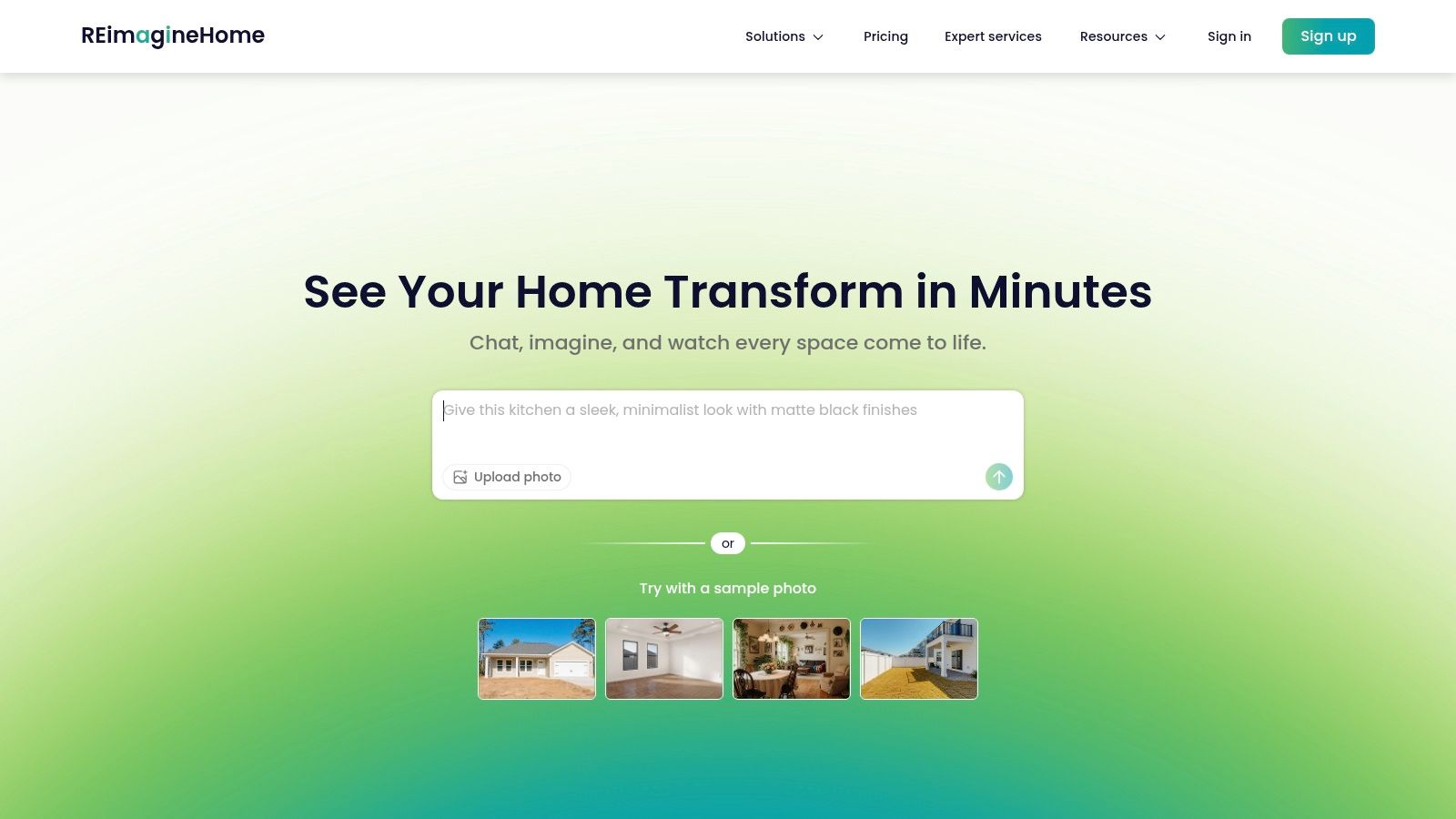
What sets REimagineHome apart is its enterprise-ready architecture, including team subscriptions and API access. This allows larger organizations to integrate its AI Home Design capabilities directly into their own workflows and platforms. The platform's versatility, from decluttering a messy room to completely transforming a home's exterior, provides an all-in-one solution for property marketing and design visualization.
Key Features & User Experience
Virtual Staging & Redesign: Upload a photo of any space (empty, furnished, or outdoors) and instantly apply new design styles, furniture, and landscaping.
AI Object Tools: Features include object removal for decluttering, item replacement for quick swaps, and even AI sky replacement for exterior shots.
Team & API Access: Designed for collaboration with team accounts and an API dashboard for seamless integration into other software.
Scalable Credits: The platform operates on a credit-based system, allowing users to scale their usage based on project volume.
Feature | Details |
|---|---|
Ideal For | Real estate agents, professional stagers, photographers, and design agencies. |
Pricing | Starts with a free trial, then credit-based plans starting from $49/month. |
Pros | Broad toolset for staging and marketing, scales from individual to enterprise use. |
Cons | Credit-based system can be costly for heavy users; the web UI has a learning curve. |
Website: https://www.reimaginehome.ai/
8. Planner 5D — Smart Wizard
Planner 5D’s Smart Wizard simplifies the often-daunting task of creating a functional floor plan. Instead of starting from scratch, this tool leverages AI Home Design to auto-generate complete room layouts and furniture arrangements based on your inputs. Users simply define the room shape, select a style like Minimalist or Boho, and the AI instantly populates the space with a logical and aesthetically pleasing 3D design.
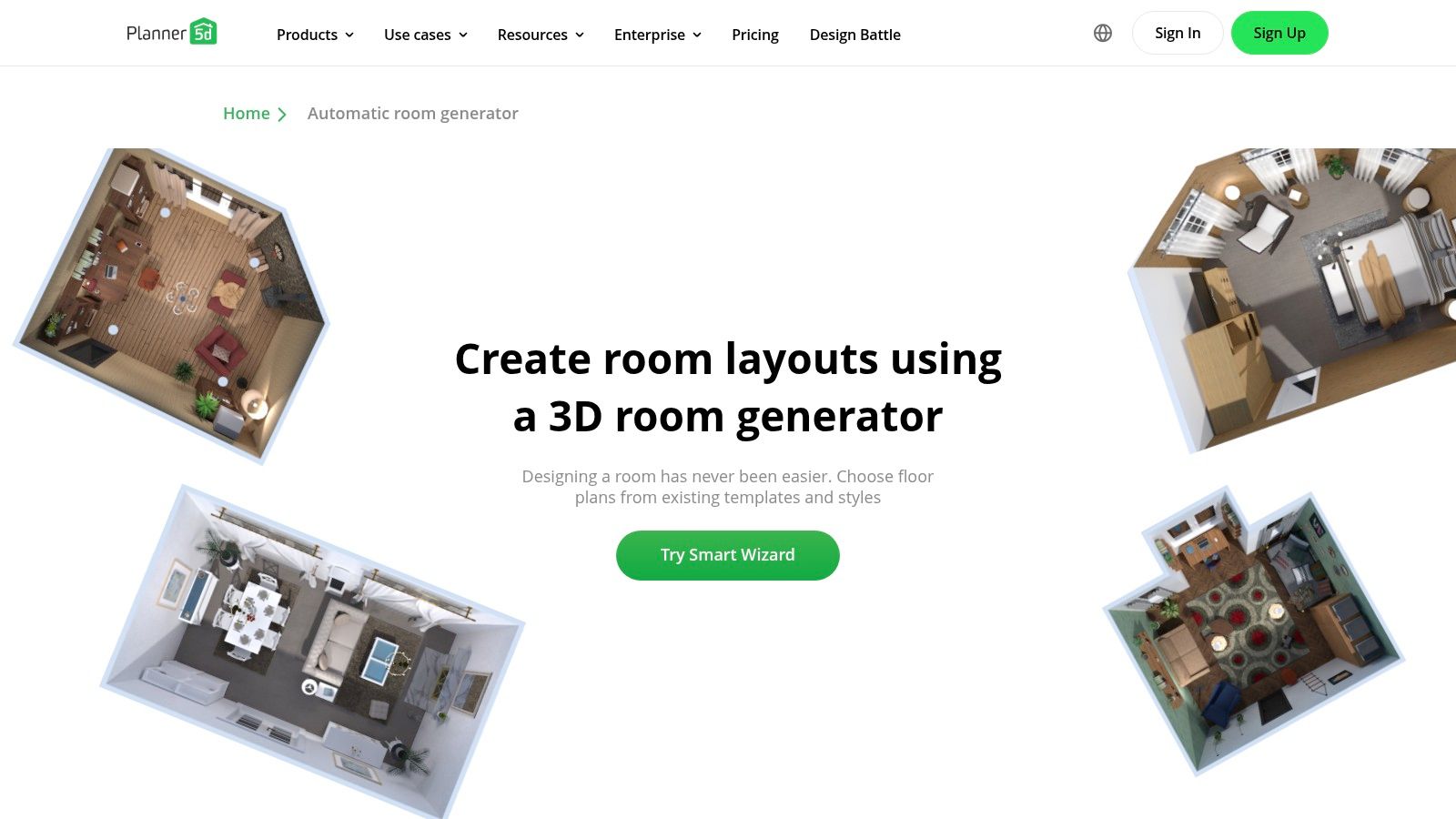
This feature is an excellent starting point for those who feel overwhelmed by a blank canvas. It provides a solid foundation that can then be customized within Planner 5D’s broader design platform. The ability to quickly shuffle and iterate on layouts makes it a powerful brainstorming tool, transforming a complex process into a few simple clicks. It’s one of the most practical AI-powered interior design tools for rapid AI Room Design and floor plan ideation.
Key Features & User Experience
AI-Assisted Layout Generation: Automatically generates 3D floor plans and furniture arrangements using Planner 5D's extensive datasets.
Style Presets: Choose from a variety of popular interior styles, including Industrial, Japanese, Minimalist, and more, to guide the AI's suggestions.
Iterative Design: Quickly shuffle and generate new design variations until you find a layout that meets your needs.
Full Platform Integration: Export the AI-generated floor plan into the main Planner 5D editor for detailed customization and rendering.
Feature | Details |
|---|---|
Ideal For | Homeowners seeking quick layout ideas, planners, and anyone needing a fast starting point for a design. |
Pricing | The Smart Wizard is free for basic use; premium features require a subscription. |
Pros | Excellent for rapid floor plan ideation, very user-friendly for beginners, integrated with a full design suite. |
Cons | Less photorealistic than dedicated rendering tools; feature availability can vary by platform. |
Website: https://planner5d.com/smart-wizard
9. Foyr Neo
Foyr Neo is a comprehensive, cloud-based platform designed as an end-to-end solution for interior design professionals. This powerful tool combines 2D floor planning, 3D modeling, and ultra-fast photorealistic rendering into a single, browser-based workflow. Its AI-assisted features, like smart catalog search and automated lighting, accelerate the design process, allowing professionals to go from concept to client-ready visuals in hours instead of days.
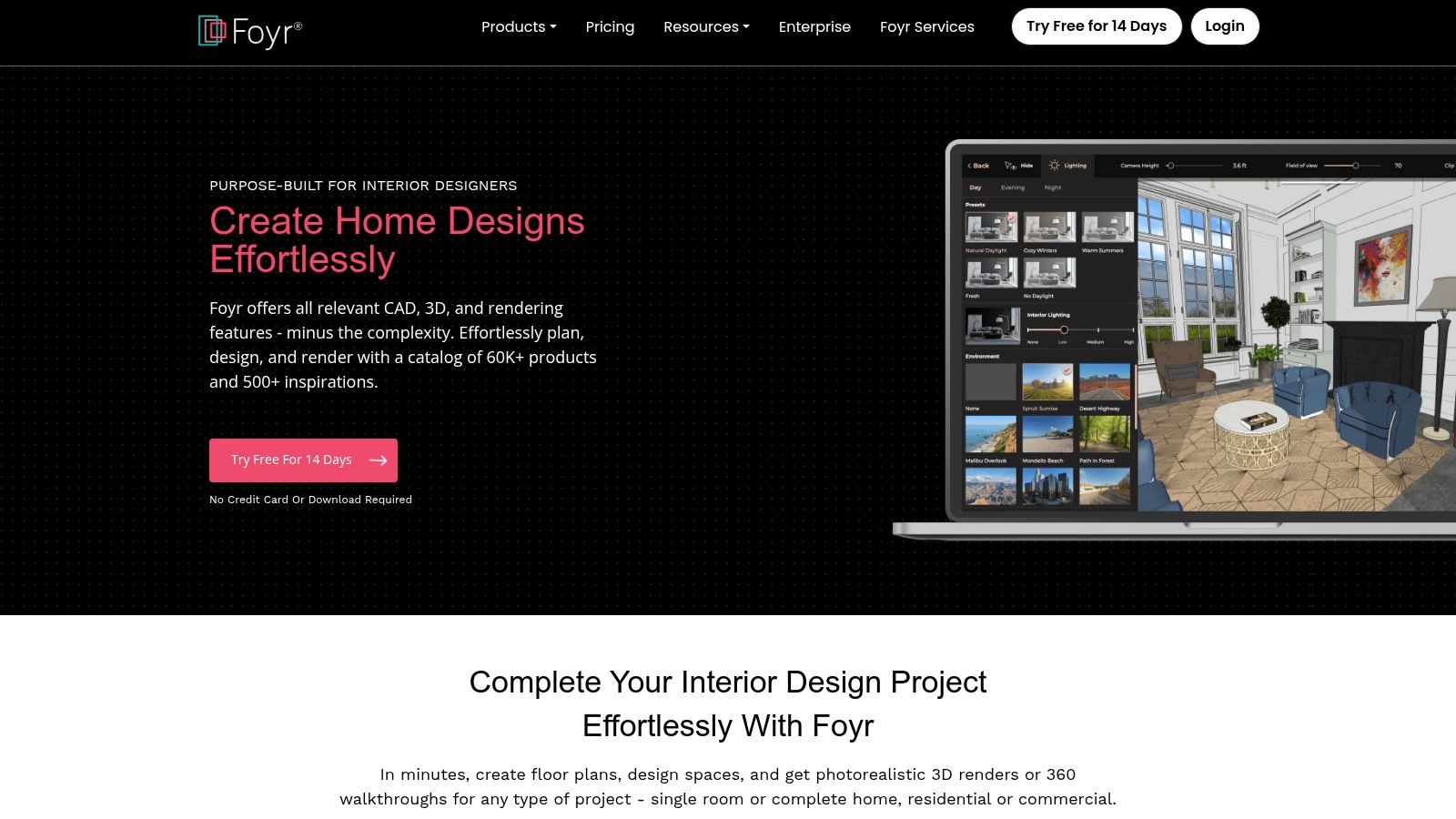
The platform's main advantage is that it eliminates the need for expensive, high-end computer hardware typically required for complex rendering tasks. By operating entirely in the cloud, Foyr Neo provides professional-grade AI Home Design capabilities to anyone with an internet connection. This makes it a scalable and accessible option for freelance designers, small firms, and large teams seeking a collaborative and efficient AI Interior Design environment. A deeper look into such tools can be found in this practical guide to AI interior design software.
Key Features & User Experience
End-to-End Workflow: Seamlessly move from 2D floor plans to 3D models and finish with high-resolution 4K renderings.
AI-Powered Catalog: Quickly find the perfect furniture and decor items within a massive catalog using an intuitive AI search function.
Cloud-Based Rendering: Generate photorealistic images and 3D walkthroughs in minutes without needing a powerful local computer.
FoyrAR: Use augmented reality to project your finished designs into a real-world space using a smartphone.
Feature | Details |
|---|---|
Ideal For | Professional interior designers, architects, and design firms needing an all-in-one design solution. |
Pricing | Subscription-based, with plans starting around $49/month. A 14-day free trial is available. |
Pros | All-in-one professional toolset, no need for expensive hardware, fast rendering speeds, team features. |
Cons | Steeper learning curve than simple apps, rendering credits or plan tiers can increase costs for heavy use. |
Website: https://foyr.com/
10. AiStager
AiStager is a highly specialized platform focused on AI Virtual Staging for the real estate market. It provides agents, stagers, and photographers with a streamlined tool to transform empty or cluttered property photos into professionally staged, market-ready images. Users can upload a photo, use a simple brush tool to remove existing furniture, and then generate a new, fully furnished version in various design styles.
The platform’s core strength is its speed and focus on producing high-quality marketing assets. Its architecture-safe staging ensures that crucial details like walls, windows, and structural elements are preserved during the restyling process. This makes it one of the most efficient AI-powered interior design tools for professionals who need to produce compelling before-and-after visuals for property listings on platforms like Zillow and MLS.
Key Features & User Experience
Rapid Restaging: A quick brush-to-remove and restyle workflow allows for fast image turnarounds.
Architecture-Safe AI: The technology intelligently stages rooms while keeping the home's permanent features and structure intact.
Multiple Style Presets: Users can select from various popular interior design styles (e.g., Modern, Scandinavian, Farmhouse) to match the property's character.
Listing-Ready Outputs: Generates images tailored to the specifications required by major real estate listing services.
Feature | Details |
|---|---|
Ideal For | Real estate agents, professional stagers, and property photographers needing fast assets. |
Pricing | Offers subscription plans with varying credit allowances for image generation. |
Pros | Designed for listing speed and volume, clear workflow for creating marketing materials. |
Cons | Focused on real estate imagery rather than personal remodel or architectural planning. |
Website: https://www.aistager.app/
11. PadStyler
PadStyler is a specialized platform that excels in AI Virtual Staging, making it a go-to resource for real estate professionals. It offers a suite of tools designed to transform empty or outdated property photos into compelling, market-ready visuals. Users can upload an image and instantly stage it with various décor styles, or even preview remodels by changing flooring, wall colors, and fixtures.
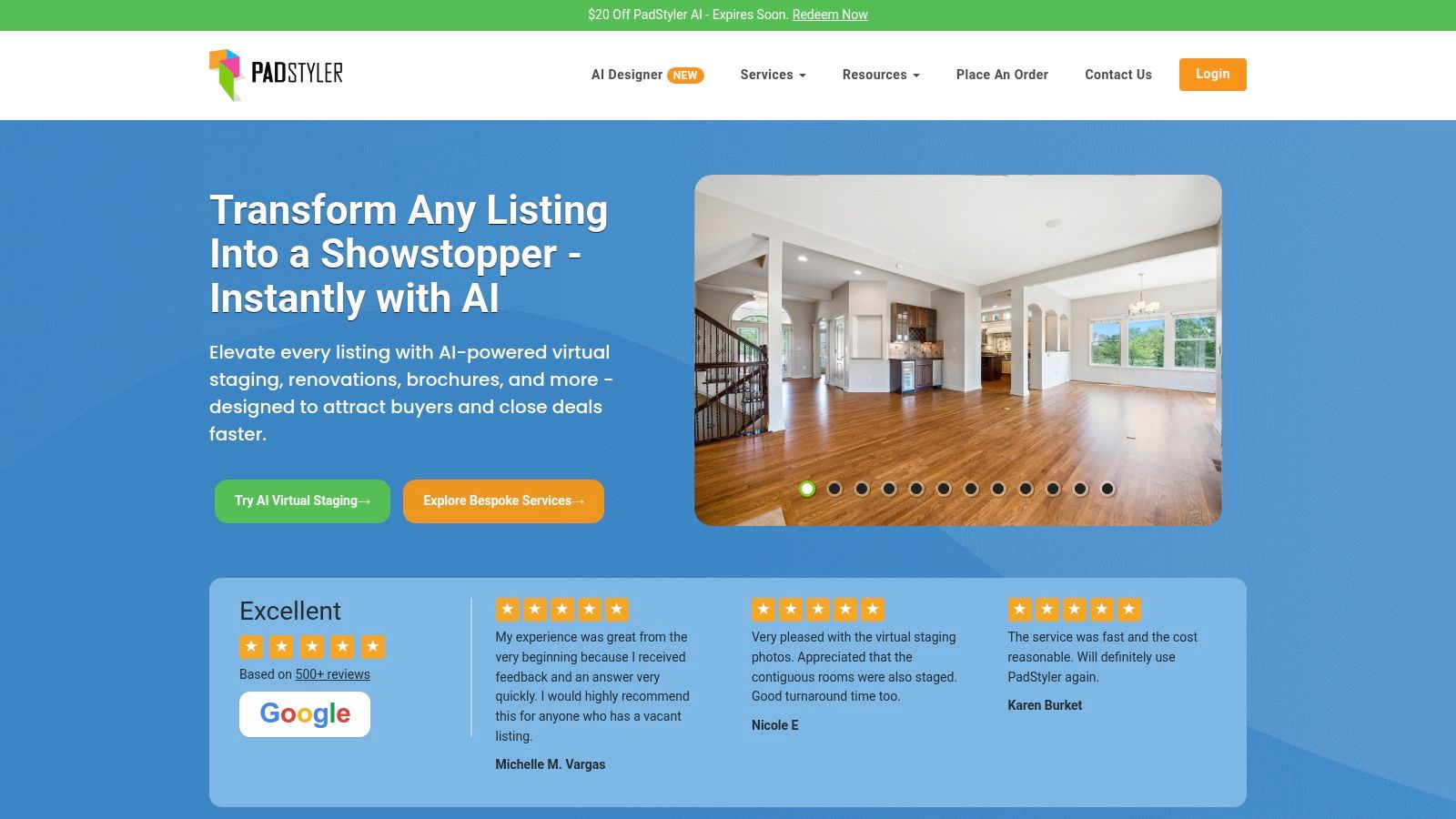
The platform uniquely blends rapid AI-generated results with the option to engage a team of human designers for high-end, bespoke renders. This hybrid model allows real estate agents and photographers to use fast AI for most listings and reserve premium human-touch services for flagship properties. This flexibility makes PadStyler one of the most practical AI-powered interior design tools for property marketing and AI Room Design.
Key Features & User Experience
Instant AI Staging: Quickly furnish empty rooms by selecting from a wide range of interior design styles, from Modern Farmhouse to Scandinavian.
AI Remodeling Previews: Visualize potential renovations by digitally swapping finishes like flooring, countertops, and paint colors, or even landscaping.
Hybrid Service Model: Offers the choice between instant AI staging for speed and a human design team for more detailed, photorealistic results.
Real Estate Focus: Tailored specifically for agents, stagers, and photographers to enhance property listings and attract buyers.
Feature | Details |
|---|---|
Ideal For | Real estate agents, property photographers, and home stagers needing to create attractive listing photos. |
Pricing | Varies by service; instant AI staging has set rates, while bespoke human designer services are priced per project. |
Pros | Flexible hybrid AI and human designer model, strong focus on real estate marketing, fast turnaround for AI services. |
Cons | Not a deep space planning tool for personal use; pricing for bespoke services is not always publicly listed. |
Website: https://www.padstyler.com/
12. Benjamin Moore — Color Portfolio app
The Benjamin Moore Color Portfolio app is a highly focused AI powered interior design tool designed to solve one of the most common decorating challenges: choosing the perfect paint color. Instead of guessing with tiny paint swatches, this app uses augmented reality and photo visualization to let you virtually test any of Benjamin Moore’s thousands of colors directly on your walls. It simplifies the selection process, making it an essential first step for any painting project or AI Home Décor update.
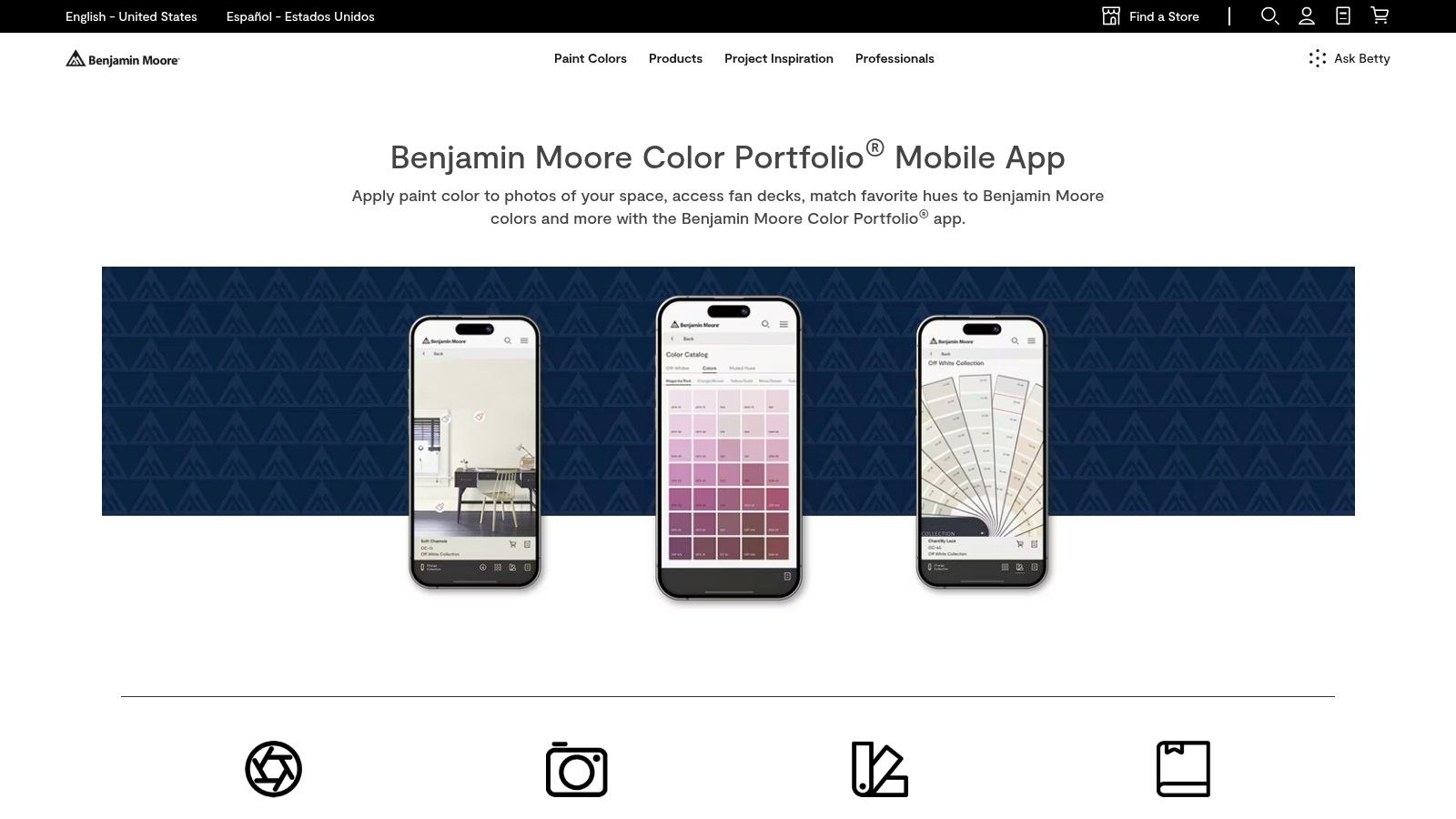
What makes the app stand out is its direct integration with the Benjamin Moore ecosystem. After visualizing a color, you can easily find a local retailer or order a sample directly through the app. The AI can also analyze a photo of your room to suggest complementary color palettes, taking the guesswork out of creating a cohesive look. For anyone planning a repaint, this tool offers a practical and accurate way to see the final result before ever picking up a brush. Explore our guide to see paint colors in your room using AI visualization tools for more tips.
Key Features & User Experience
Video Visualizer: Use your phone’s camera for a live AR view, painting walls in real-time as you move around the room.
Photo Visualizer: Upload a photo of your space and tap to apply different paint colors to the walls.
AI Color Recommendations: The app can analyze your room and suggest complementary color schemes based on existing elements.
Integrated Sampling & Shopping: Find nearby dealers and order paint samples directly from your virtual design.
Feature | Details |
|---|---|
Ideal For | DIY decorators, homeowners, and interior designers needing precise paint color visualization. |
Pricing | Completely free to download and use. |
Pros | Accurate brand-matched colors, seamless flow from visualization to sampling, free to use. |
Cons | Limited exclusively to the Benjamin Moore product catalog; not a general staging tool. |
12 AI-Powered Interior Design Tools — Feature Comparison
Product | Core features ✨ | Target audience 👥 | Quality ★ | Pricing/Value 💰 | USP / Best for |
|---|---|---|---|---|---|
🏆 Decor8 AI | Photorealistic redesigns, virtual staging, paint/cabinet visualizer (BM/SW/Behr/HEX), furniture removal, sketch→3D, upscaling, sky/twilight | Homeowners, realtors, designers, photographers, developers | ★★★★★ | Free tier; paid plans & API pricing | 🏆 All-in-one, device‑agnostic + SDKs/APIs for embedding and listing‑ready marketing |
IKEA Kreativ (IKEA U.S.) | Room scanning (5‑point/ultrawide/LiDAR), erase tool, place IKEA products, save/share | Homeowners shopping IKEA | ★★★★☆ | Free; buy from IKEA catalog | Visualize & purchase IKEA furniture directly |
Wayfair Decorify | Photo→multiple styled variations, shoppable links, Vision Pro 3D placement | Shoppers, homeowners, Vision Pro users | ★★★★☆ | Free; links to Wayfair purchases | Large catalog + immersive 3D placement (Vision Pro) |
Zillow Showcase Virtual Staging | Curated style presets, remove/restyle furniture, before/after slider | Real estate agents with Zillow Showcase | ★★★☆☆ | Included with Zillow Showcase (paid) | Puts staging in front of Zillow's audience for listing enhancement |
Interior AI | Restyling, virtual staging, sketch→render, flythrough videos | Homeowners, pros needing fast iterations | ★★★★☆ | Free/basic; paid plans for advanced | Fast iterations with 3D and video outputs |
RoomGPT | Upload→redesign, style presets or custom prompts, web & iOS | Casual users seeking quick inspiration | ★★★☆☆ | Initial free credits; pay-as-you-go | Extremely easy, fast social-ready outputs |
REimagineHome | Empty-room staging, furnished redesigns, outdoor makeovers, team/API dashboard | Agents, photographers, design teams | ★★★★☆ | Credit-based; team & API pricing | Scalable staging + enterprise integrations |
Planner 5D — Smart Wizard | AI layout generation, style presets, export floor plans | Non-experts, planners, quick floorplan ideation | ★★★☆☆ | Free/basic; premium features paid | Rapid 3D floorplan & furniture layout generation |
Foyr Neo | 2D/3D planning, high-res photoreal rendering (4K–12K), AI catalog search, AR viewing | Professional designers, studios, teams | ★★★★☆ | Subscription; rendering credits for heavy use | End-to-end professional workflow in browser (no heavy GPU) |
AiStager | Brush-to-remove, architecture-safe staging, style presets, MLS/Zillow-ready outputs | Listing agents, listing photographers | ★★★★☆ | Paid plans; plan-based unlimited re-renders | High-volume, MLS-spec staging workflow |
PadStyler | Instant AI staging, remodeling/landscape previews, human-upgrade option | Agents, photographers, sellers needing premium renders | ★★★★☆ | Variable; AI + bespoke service pricing | Fast AI plus optional designer-led premium renders |
Benjamin Moore — Color Portfolio app | AI color suggestions, photo & live AR visualizer, full BM catalog, sample ordering | Painters, homeowners choosing paint | ★★★★☆ | Free app; buy samples/paint via dealers | Accurate brand‑matched colors & AR sampling for paint selection |
Choosing the Right AI Tool to Build Your Perfect Space
We've explored a dynamic landscape of AI powered interior design tools, each offering a unique approach to transforming our living and professional spaces. The journey from a blank room to a beautifully realized vision is no longer reserved for those with extensive design training or hefty budgets. As we've seen, this technology democratizes design, putting powerful creative capabilities into the hands of homeowners, real estate agents, and seasoned professionals alike.
The key takeaway is that there is no single "best" tool, only the right tool for your specific project. Your choice will be dictated entirely by your goals, budget, and technical comfort level. What started as a niche technology has blossomed into a diverse ecosystem, offering solutions for nearly every conceivable AI Interior Design challenge.
Matching the Tool to Your Task
To navigate this exciting new frontier, it's crucial to align your needs with a platform's core strengths. Think of it as choosing the right brush for a painting; the final result depends on using the appropriate instrument for the desired effect.
Let's recap the primary categories we've covered:
For the DIY Homeowner: If you're looking for quick, accessible inspiration for a weekend project, tools like IKEA Kreativ and Wayfair Decorify are excellent starting points. They offer an integrated shopping experience, turning a spark of an idea into a tangible shopping list. For more specific tasks like choosing a new wall color, the Benjamin Moore Color Portfolio app provides a focused, practical solution.
For Real Estate Professionals: When your primary goal is to sell or rent a property faster, specialized AI Virtual Staging platforms are indispensable. Tools like Zillow Showcase Virtual Staging, AiStager, and PadStyler are built to create photorealistic, appealing listing photos that capture buyer interest and help them visualize a property's potential.
For the Creative Explorer: If you want to experiment with a wide range of styles and generate a high volume of ideas quickly, platforms such as Interior AI and RoomGPT offer a playground for your imagination. These are fantastic for brainstorming and discovering design directions you may not have considered.
For Comprehensive Design & Planning: For those who need more than just a single image, robust platforms like Planner 5D and Foyr Neo provide end-to-end design capabilities, from 2D floor plans to 3D renderings. These are ideal for more involved renovation projects or for professionals managing client work.
For the All-in-One Power User & Developer: Versatile platforms like Decor8 AI and REimagineHome bridge the gap between simple use and professional application. They offer a suite of tools that cater to homeowners, real estate agents, and even developers looking to integrate AI Home Design capabilities into their own applications via APIs.
Final Considerations Before You Begin
Before you commit to a subscription or upload your first photo, take a moment to reflect on a few practical points. Consider the learning curve; some tools are intuitive and ready to use in minutes, while others may require a brief tutorial to unlock their full potential. Also, review the output quality and resolution. For a personal mood board, a standard-resolution image might suffice, but for a professional real estate listing, high-resolution, watermark-free images are non-negotiable.
The world of AI-powered interior design is not a static one. It's an evolving, exciting field where new features and capabilities are emerging constantly. The tools we've discussed today are at the forefront of this revolution, making sophisticated design more accessible, efficient, and enjoyable than ever before. Whether you are staging an empty condo, reimagining your living room, or developing the next great real estate app, the right AI tool is out there, ready to help you build your perfect space.
Ready to experience a versatile and powerful suite of AI design tools? Decor8 AI offers solutions for homeowners, real estate professionals, and developers, covering everything from virtual staging and item removal to landscape design. Start your project and see your vision come to life at Decor8 AI today.
Comments